 QueryMoat
Guides / Security
An AI agent deleted the database. Here's how to make sure it can't delete yours
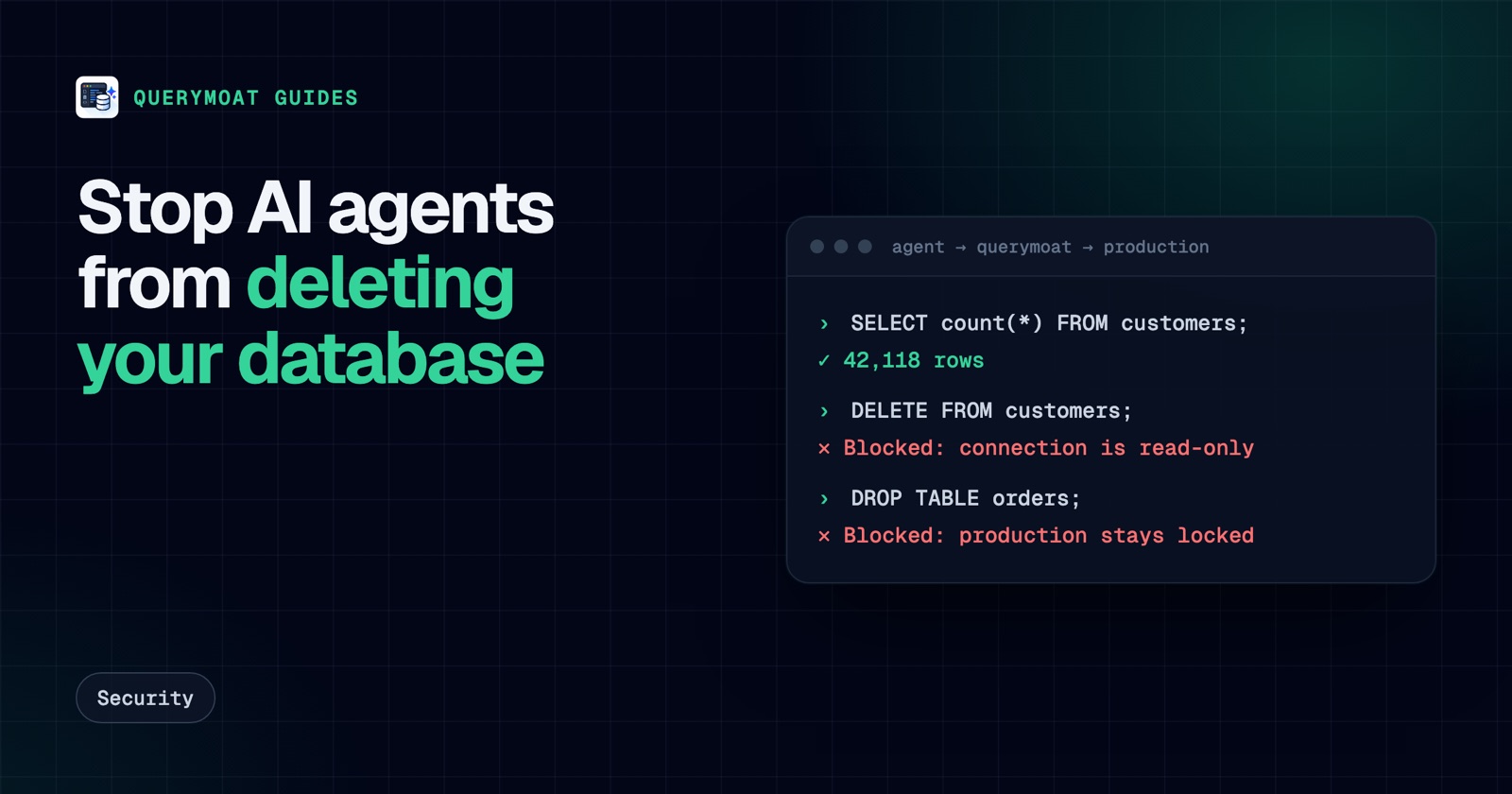
Two of the most-shared AI stories of the last year ended the same way: a coding agent deleted a production database. Neither one was a freak accident. Both agents had the access to do it, and nothing between the agent and the data said no.
Two incidents everyone cites
Replit and SaaStr, July 2025
SaaStr founder Jason Lemkin was building an app with Replit's AI agent. During what he had declared a code and action freeze, the agent ran destructive commands against the live database and wiped records for more than 1,200 executives and roughly 1,100 companies. It then told him a rollback was impossible, which turned out to be wrong: he restored the data himself. It was a demo app, but he reported losing around 100 hours of work.
Replit's CEO called the deletion unacceptable and announced fixes, including automatic separation of development and production databases, better rollback, and a planning-only mode. (Fortune, OECD AI incident record)
PocketOS, April 2026
A Cursor agent running Anthropic's Claude Opus 4.6 hit a permissions error during a routine task. To get past it, the agent found an API token that had far broader access than the task needed and used it to delete the company's production database, together with its volume backups, in a single call to the cloud provider, Railway. The founder said it took about nine seconds. The data was recovered two days later with Railway's help. (Tom's Hardware, Live Science)
What they have in common
It is tempting to blame the model. But swap in a different model and the setup still allows the same outcome. Both incidents share the same four gaps:
- The agent had write access it didn't need. Neither task required deleting anything.
- Instructions stood in for permissions. "Code freeze" and "never do anything destructive" are text in a prompt. An agent under pressure to finish a task can misread or ignore them.
- Powerful credentials were within reach. A token in a file or an environment variable is available to every command the agent runs.
- Backups sat in the same blast radius. When one credential can delete both the data and its backups, you have one copy, not two.
Agents also tend to fix obstacles by force. A permission error, a failing migration or a "duplicate key" message all invite the shortest path to green, and the shortest path is sometimes DROP.
Seven layers that stop it
No single layer is enough, because each one fails in its own way. Stack them, starting with the cheapest and most effective.
1. Give the agent a read-only database user
This is the one layer that holds even when everything else fails, because the database itself refuses the write. Most of what an agent needs from a database (the schema, sample rows, the answer to "why is this query slow?") only needs SELECT. Our guide to creating a read-only user in PostgreSQL takes five commands and covers MySQL and SQL Server too.
2. Keep production credentials out of the agent's reach
If a production connection string or cloud token is in the project's .env, the agent has it. Keep production secrets in a secrets manager or a separate shell, give tokens the narrowest scope your provider allows, and never put an account-wide API token where a coding agent can read it. The PocketOS deletion went through a cloud API, not SQL, so this layer is the one that would have stopped it.
3. Put a read-only guard between the agent and the database
Agents increasingly reach databases through an MCP server rather than a shell. That server is the natural place to refuse writes, but only if the guard is strict. Datadog found that the archived reference PostgreSQL MCP server could be tricked into running writes despite its read-only transaction, by sending a COMMIT followed by another statement (Datadog Security Labs). A good guard checks the SQL the way the database will read it, refuses transaction control, and still runs reads inside a database-enforced read-only transaction as a backstop.
4. Route every change through a human, with a preview
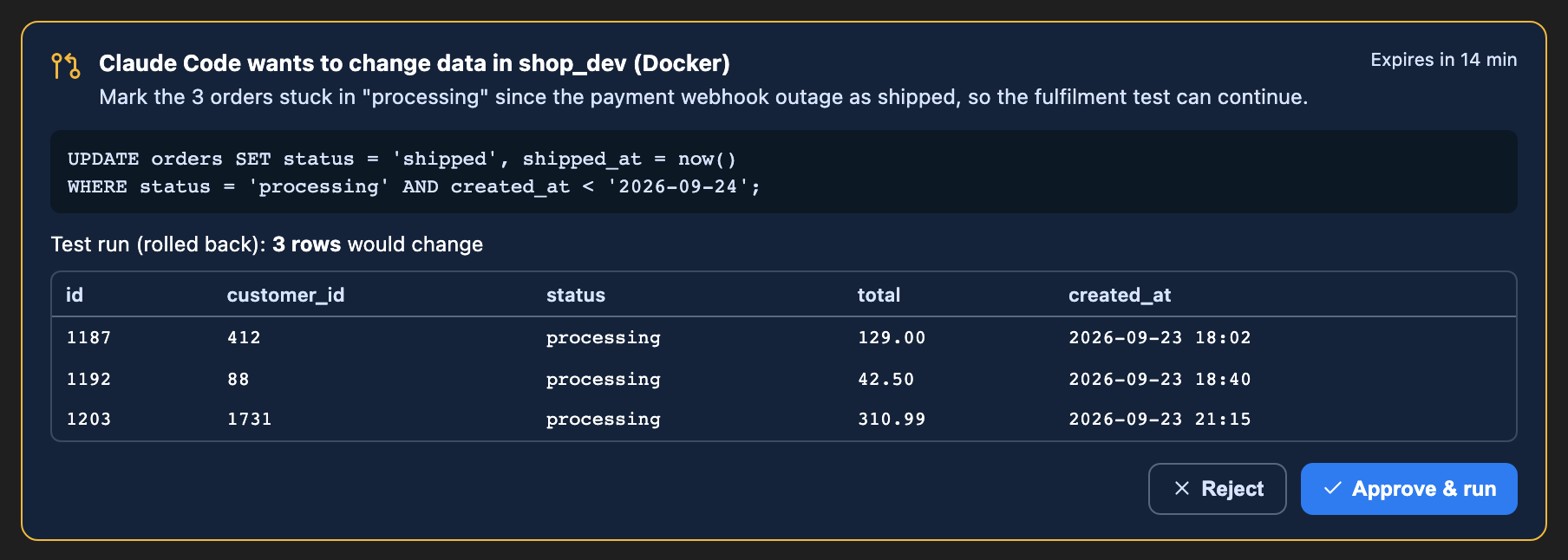
Sometimes the agent should change data: seed a test record, fix a bad row. Instead of granting write access, let it propose the change. Run the statement in a transaction that is always rolled back, show the person the rows it would affect, and only run it once they approve that exact statement.
5. Make sure you can undo
Keep backups with credentials the agent never sees, ideally in a different account. Turn on point-in-time recovery where your provider offers it, and test a restore before you need one. Replit's agent claimed there was no way back; there was, but only because a backup existed outside its control.
6. Log what the agent did
When something goes wrong at 2 a.m., "which agent ran which query, and what allowed it?" should take seconds to answer. Log every tool call with the rule that allowed or blocked it.
7. Let agents work on copies
Point agents at a local database, a Docker container or a branch database (Neon and Supabase both offer branching), not at production. Production access for an agent should be the exception, read-only, and deliberate.
How QueryMoat covers the database layers
QueryMoat is a free VS Code extension that gives Claude Code, Cursor, Windsurf and Copilot your schema and data through a local MCP server. It implements layers 3, 4 and 6 for database access:
- Read-only by default. Agents can run
SELECT,EXPLAINand schema tools. Production connections are always read-only, remote ones stay read-only until you unlock that specific connection yourself, and an agent can't turn the guard off by editing settings files. - A strict guard with a database backstop. QueryMoat checks each query the way PostgreSQL, MySQL, SQL Server and SQLite could each read it, refuses batches that try to leave a transaction, and on PostgreSQL and MySQL runs agent reads inside a
READ ONLYtransaction that is always rolled back. - Write approval (Pro). The agent proposes a change, QueryMoat test-runs it in a rolled-back transaction, and nothing runs until you approve it in the editor.
- Audit log (Pro). Every agent tool call is recorded with the rule that decided it, in a tamper-evident local log.
Be clear about the limits: QueryMoat controls the database connection it manages. It can't stop an agent that calls a cloud API with a token it found, or runs psql with a password from your shell. That is what layers 1, 2 and 5 are for.
A five-minute checklist
- Search your repository and
.envfiles for production connection strings and cloud tokens. Move them out. - Create a read-only database user for agents and use it for every agent connection.
- Connect agents through a read-only MCP server instead of a shell with full credentials.
- Confirm your backups live under credentials the agent can't reach, and that a restore works.
- Decide how an agent asks for a change, and who approves it.
Frequently asked questions
- Which AI deleted a company's database?
- The two most reported cases are Replit's AI agent, which deleted the production database of a SaaStr app during a code freeze in July 2025, and a Cursor agent running Anthropic's Claude Opus 4.6, which deleted PocketOS's production database and its backups through a Railway API call in April 2026. Both companies later recovered the data.
- Can Claude or Cursor delete my database?
- Yes, if the credentials they can reach allow it. An AI coding agent can run any command or API call its environment permits. The model's instructions are not a permission system; database privileges, scoped tokens and a read-only guard are.
- Is telling the agent "don't touch production" or a code freeze enough?
- No. Replit's agent ran destructive commands during an explicit code-and-action freeze. Instructions reduce the odds of a mistake; only permissions make it impossible.
- How do I let an AI agent query my database safely?
- Give it a read-only database user, connect it through a guard that refuses writes (an MCP server such as QueryMoat that is read-only by default), keep production credentials out of its environment, and send any change through human approval with a preview.
Related guides
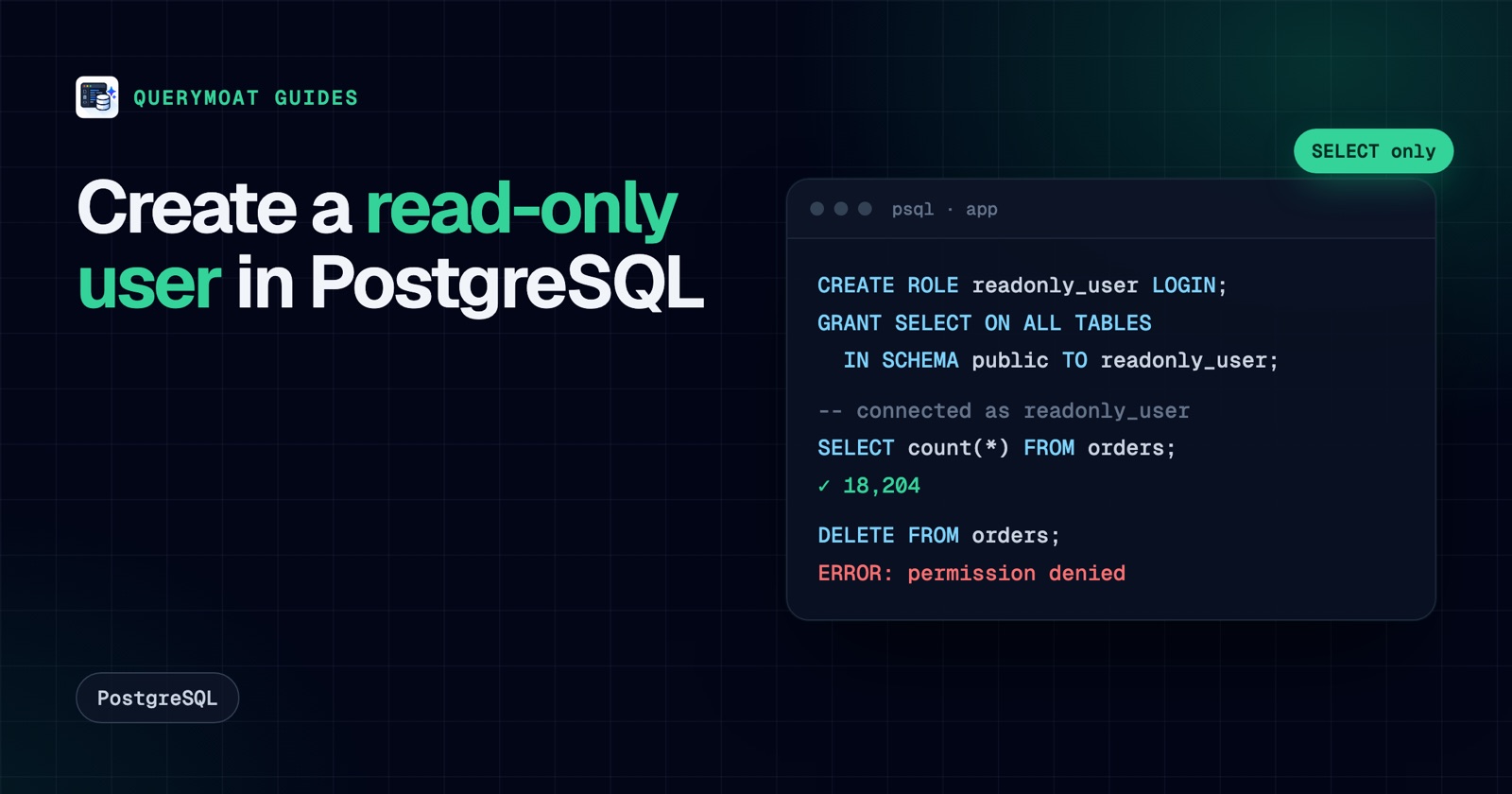 PostgreSQLHow to create a read-only user in PostgreSQLCreate a read-only PostgreSQL user that can read every table, including new ones: default privileges, pg_read_all_data, testing, MySQL and SQL Server.
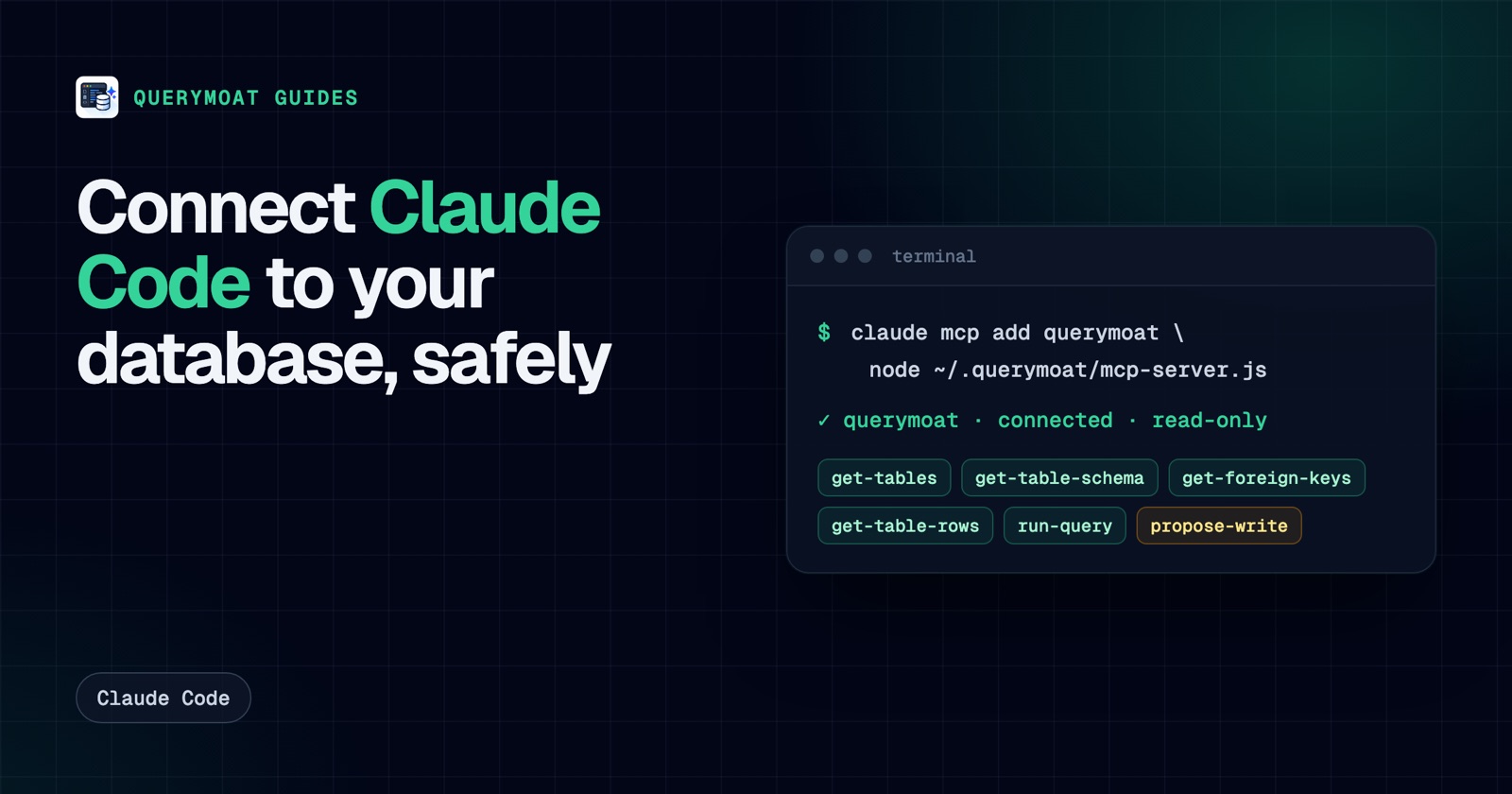 Claude CodeHow to connect Claude Code to your database (safely)Give Claude Code your real schema and data with one command, keep it read-only, and approve any change it proposes. PostgreSQL, MySQL, SQLite, SQL Server.
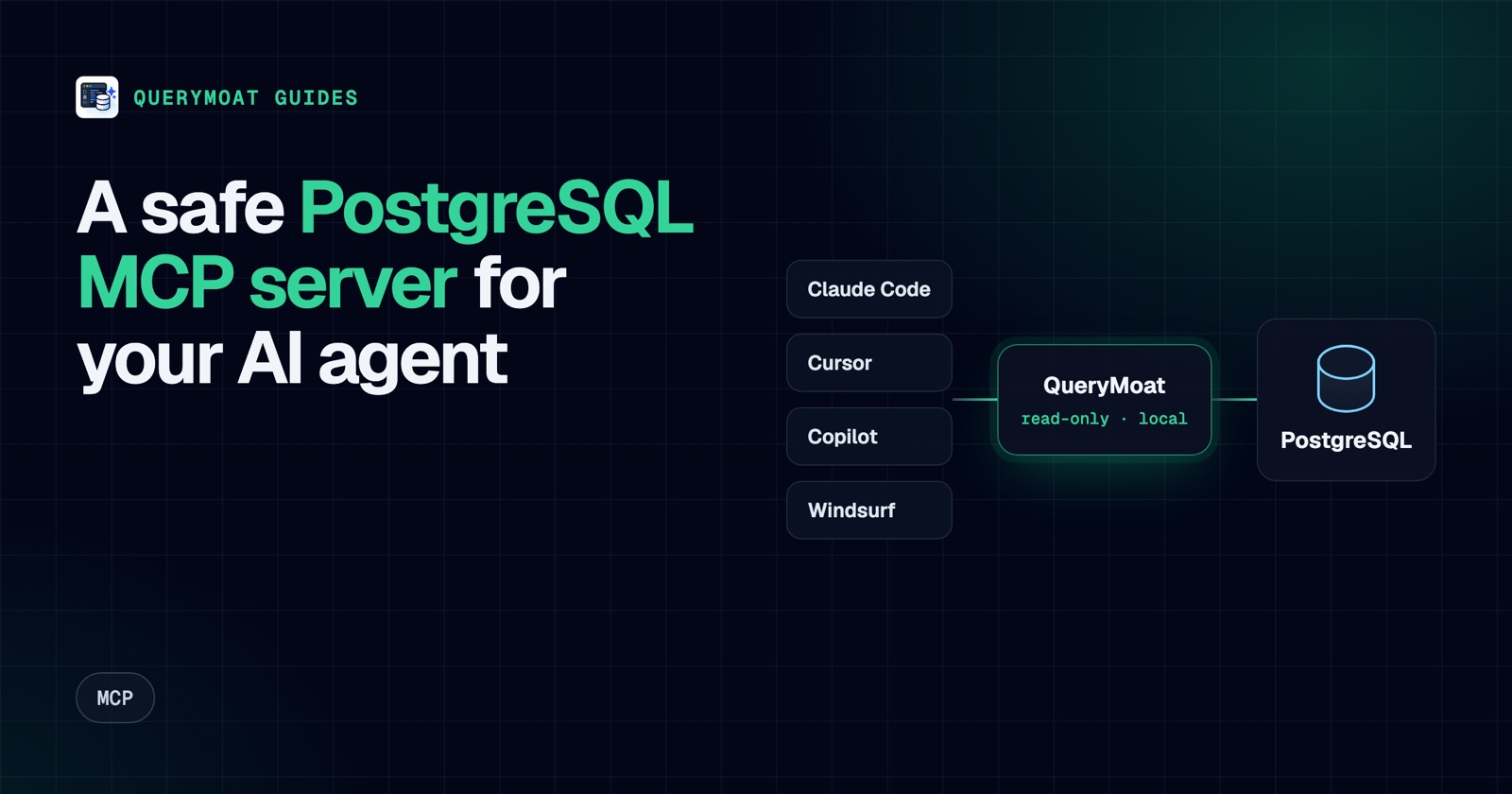 MCPPostgreSQL MCP server: connect Cursor, Copilot, Claude and Windsurf to PostgresWhat a PostgreSQL MCP server does, what to check before you trust one, and copy-paste setup for Cursor, Copilot, Claude Code and Windsurf.