 QueryMoat
Guides / Claude Code
How to connect Claude Code to your database (safely)
Claude Code writes far better queries, migrations and bug fixes when it can see your actual tables instead of guessing from model files. The question is how to give it that view without also giving it the power to change your data.
Three ways to give Claude Code a database
| Approach | What Claude Code gets | Risk |
|---|---|---|
Shell: psql, mysql, sqlite3 | Whatever the command-line client can do, with your credentials | Nothing stops a DELETE except the permission prompt you click through |
| A basic database MCP server | Tools to list tables, read schemas and run SQL | Only as safe as its read-only check, which is often a prefix match on SELECT |
| An MCP server with guardrails | The same tools, read-only by default, with limits and masking | Writes need your approval; production stays locked |
The shell route works for a quick look, but it hands the agent the same power you have. If the connection string in your terminal points at production, so does Claude Code. The rest of this guide sets up the third option with QueryMoat, a free VS Code extension that runs a local MCP server for your project's databases.
Set it up in four steps
1. Install QueryMoat
Install it from the VS Code Marketplace, or from Open VSX if you use Cursor, Windsurf, Antigravity or VSCodium. It runs on macOS, Windows, Linux, WSL and Dev Containers with no native binaries.
2. Open your project and connect
Open the project folder and click the QueryMoat icon in the Activity Bar. QueryMoat finds databases without running your code: DATABASE_URL and friends in .env files, database services in docker-compose.yml, and project files from Prisma, Drizzle, Rails, Django, Laravel and Supabase, plus SQLite files in common folders. It never reads .env.production. Click Connect on the database you want.
If nothing is found, add a .querymoatrc file to the project root:
[
  {
    "name": "App (dev)",
    "type": "postgres",
    "host": "127.0.0.1",
    "port": 5432,
    "database": "app_dev",
    "username": "readonly_user",
    "password": "${env:DB_PASSWORD}",
    "environment": "development"
  }
]
The password comes from an environment variable, so the file is safe to commit.
3. Add the MCP server to Claude Code
Run this once in your terminal:
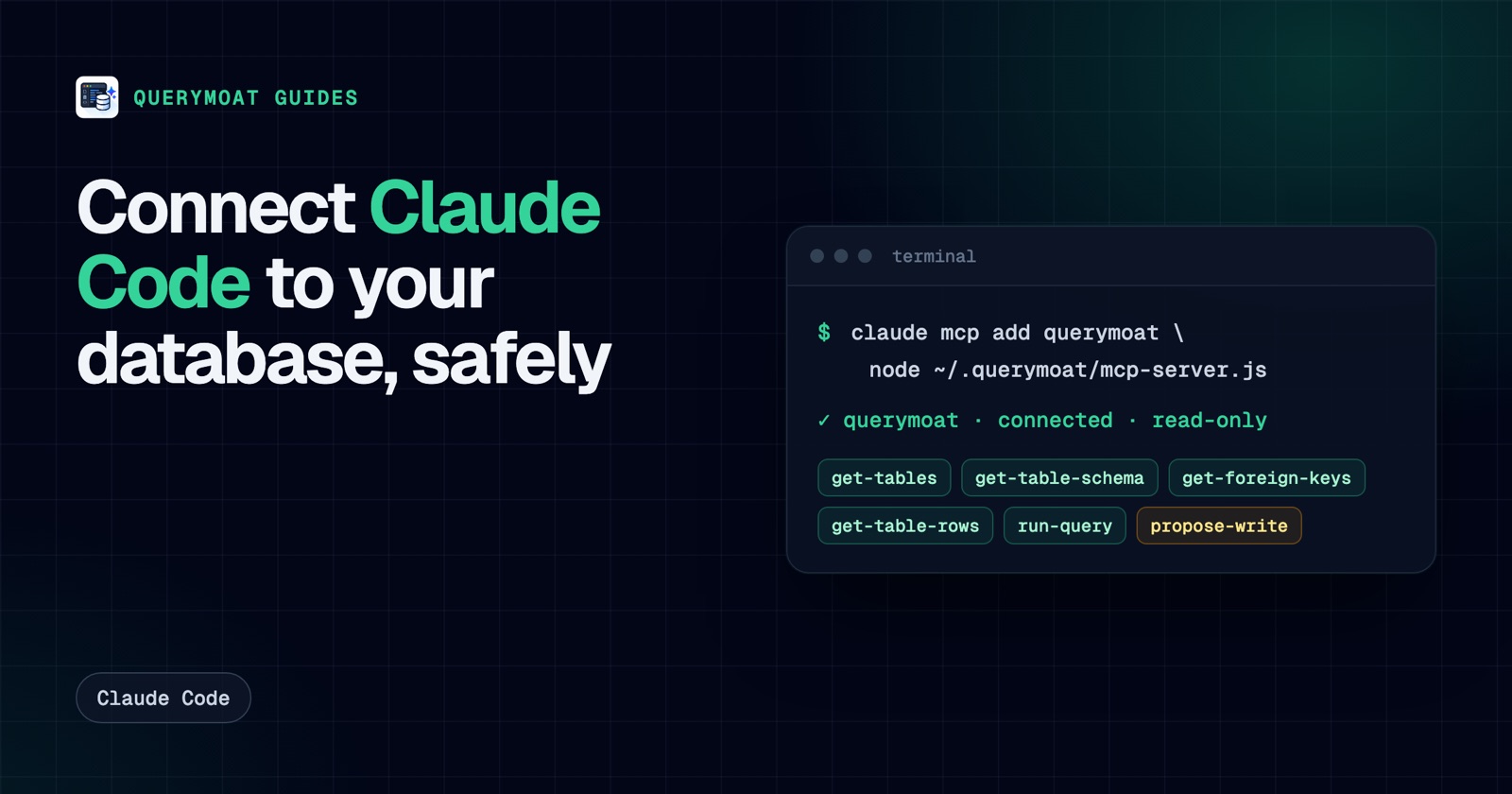
claude mcp add --transport stdio querymoat node ~/.querymoat/mcp-server.jsQueryMoat installs that server file and keeps it up to date, so the command keeps working after extension updates. Add --scope project to write the config to the project's .mcp.json and share it with your team, or --scope user to use it in every project.
The server holds no credentials. It is a thin proxy that forwards Claude Code's tool calls to the QueryMoat extension, which holds the connection. That means VS Code (or Cursor) needs to be open with the project while you use it.
4. Check it works
claude mcp listYou should see querymoat listed as connected. Inside Claude Code, /mcp shows its tools. Then just ask a question that needs the database:
Which tables reference
customers, and what does a typical row inorderslook like?
Claude Code will call get-foreign-keys, get-table-schema and get-table-rows on its own.
What Claude Code can do with it
- Read the schema: tables, columns and types, primary and foreign keys, indexes.
- Read data: paginated rows, text search across columns, and
run-queryfor any read-only SQL. - Write the right SQL: QueryMoat tells the agent which engine and version it is talking to, so it doesn't write PostgreSQL syntax for SQL Server.
- Work across projects: one Claude Code setup routes to the databases of whichever project it runs in.
How it stays safe
- Read-only by default. Only reads run. The guard checks SQL the way each database reads it, so a write hidden in quoting or comments is refused, and on PostgreSQL and MySQL reads also run inside a
READ ONLYtransaction. - Production stays locked. Connections tagged
productionare always read-only, and connections to non-local hosts are read-only until you unlock that specific one. - The agent can't unlock itself. Workspace settings can't loosen protection, and turning off read-only in your user settings still needs your click in a dialog.
- Limits. Agent queries return at most 500 rows and stop after 30 seconds by default.
- Prompt-injection defence. Rows are wrapped so the agent treats them as data, with a warning when a value reads like an instruction.
- Hide what it shouldn't see. Add
"hide": ["users.password_hash", "*.ssn"]to a connection and those columns disappear from everything the agent reads. QueryMoat Pro also masks emails, card numbers and secrets automatically.
For the strongest setup, also connect with a database user that can only read. See how to create a read-only PostgreSQL user.
When Claude Code needs to change data
With QueryMoat Pro, Claude Code gets a propose-write tool instead of write access. It sends one statement and the reason for it. QueryMoat runs it in a transaction that is always rolled back, shows you the rows it would change in the QueryMoat panel, and runs it only when you click approve. Claude Code then checks the outcome with get-proposal. There is no tool it can call to approve its own change.
Skip the permission prompts for read tools
Claude Code asks for permission the first time it uses each tool. Because QueryMoat's tools are read-only and any change still needs your approval in the editor, you can allow the whole server in .claude/settings.json:
{
  "permissions": {
    "allow": ["mcp__querymoat"]
  }
}
Troubleshooting
- "QueryMoat is not running for this project": open the project in VS Code or Cursor with QueryMoat installed. The server connects to the editor window for that folder.
- Claude Code runs in a different folder from the project: point the server at it with
--project /path/to/appafter the server path, or setQUERYMOAT_PROJECT. nodenot found: use the full path fromwhich nodein theclaude mcp addcommand.- The database doesn't appear: check the QueryMoat panel; if it isn't listed under detected databases, add it to
.querymoatrc.
Frequently asked questions
- Can Claude Code connect to a database?
- Yes. Claude Code can run database command-line tools through its shell, or use a database MCP server that gives it tools such as listing tables, reading a schema and running a query. An MCP server is the safer option because it can enforce read-only access and limits.
- What is the best MCP server for Claude Code and PostgreSQL?
- Look for one that is read-only by default with a guard you can't talk your way past, keeps credentials out of the agent's config, limits rows and query time, and can hide sensitive columns. QueryMoat does all of that, finds your connection automatically and also covers MySQL, MariaDB, SQLite and SQL Server.
- Will my data be sent to Anthropic?
- Rows that Claude Code reads become part of its conversation, so they are sent to the model provider like any other context. QueryMoat itself runs locally and sends nothing anywhere; to keep sensitive values out of prompts, hide or mask those columns.
- Can Claude Code write to my database through QueryMoat?
- Not directly. Agents get read-only tools by default. With QueryMoat Pro, Claude Code can propose a change; QueryMoat test-runs it in a rolled-back transaction and runs it only after you approve it in the editor.
Related guides
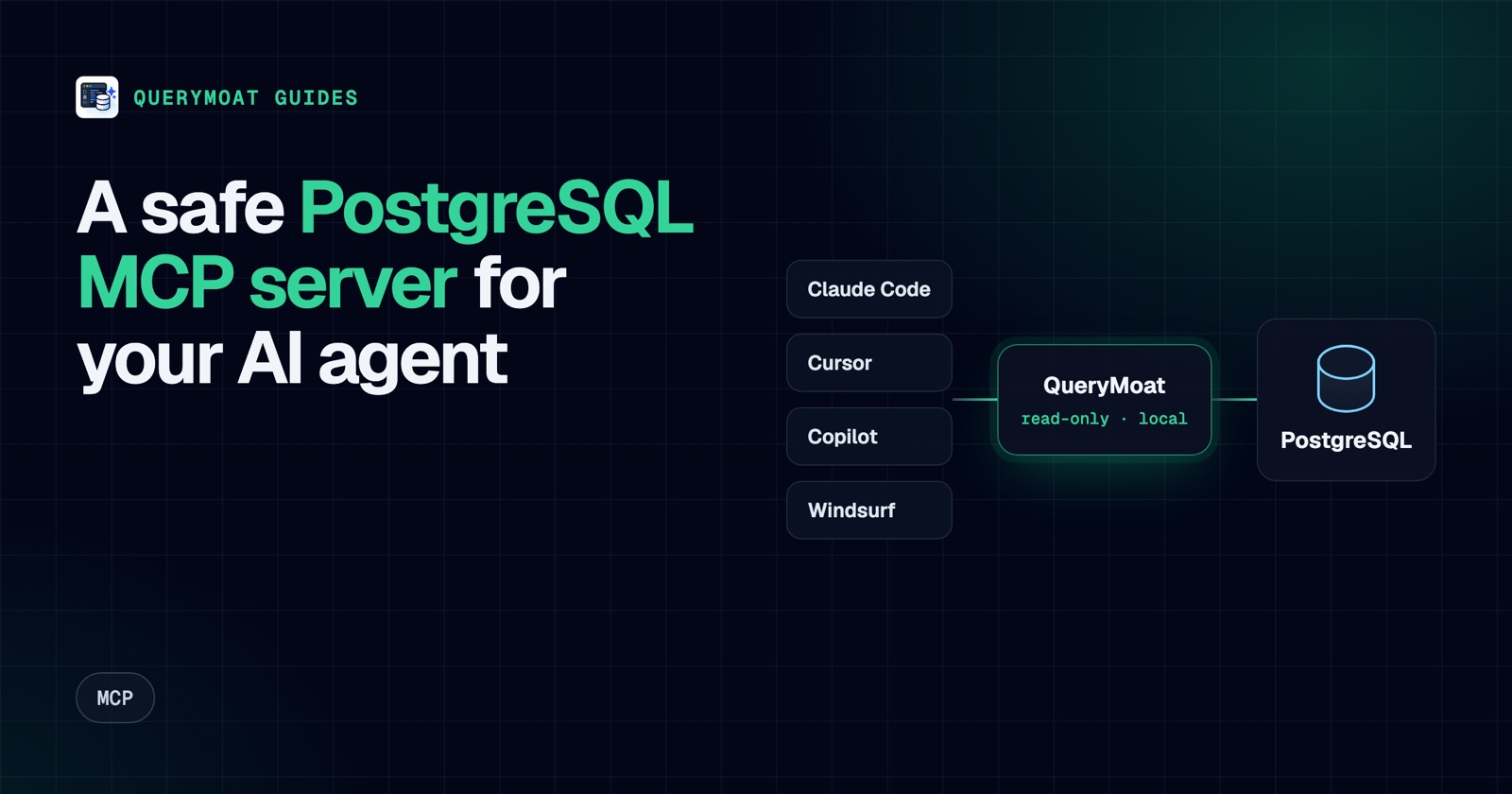 MCPPostgreSQL MCP server: connect Cursor, Copilot, Claude and Windsurf to PostgresWhat a PostgreSQL MCP server does, what to check before you trust one, and copy-paste setup for Cursor, Copilot, Claude Code and Windsurf.
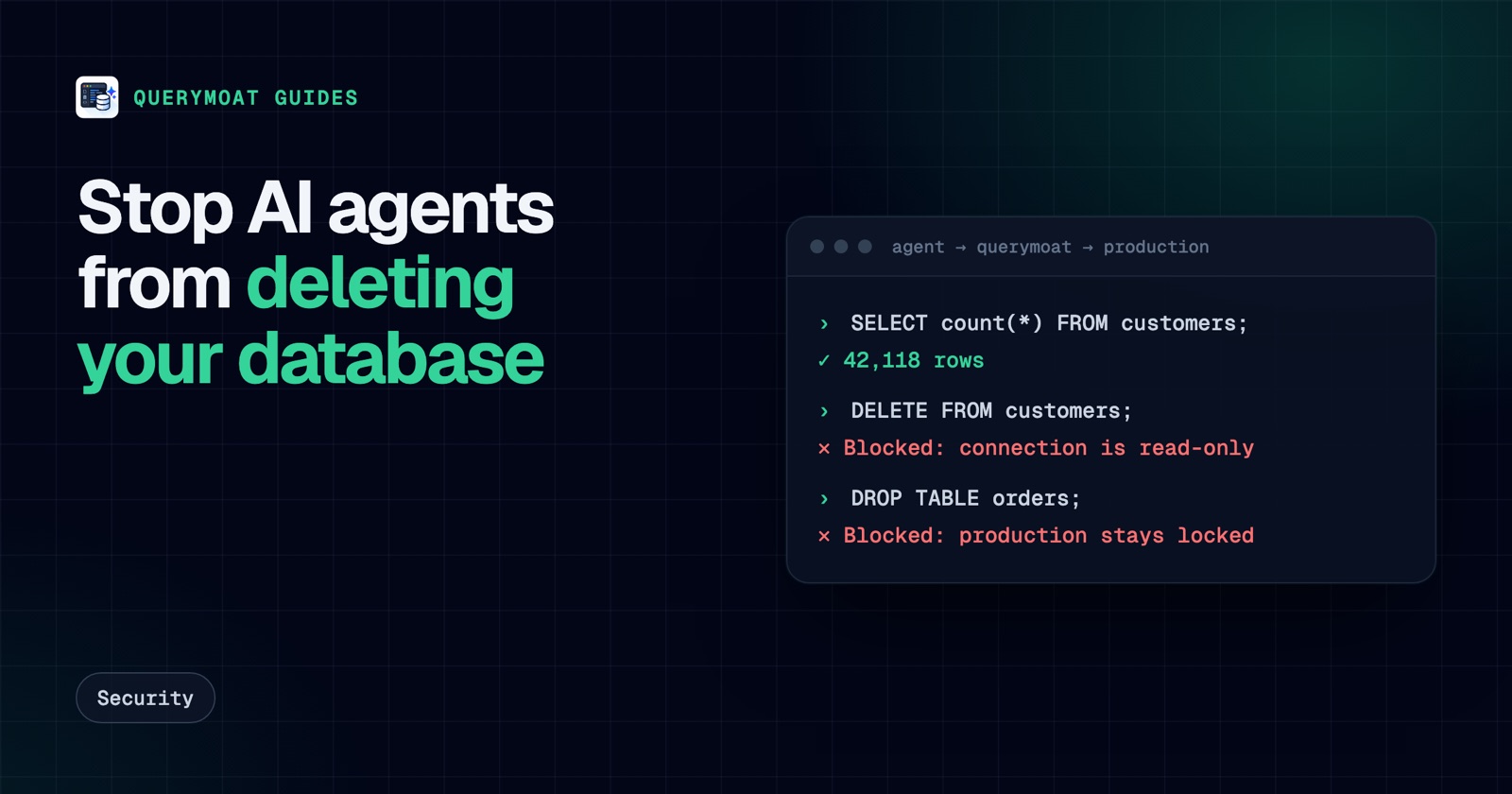 SecurityAn AI agent deleted the database. Here's how to make sure it can't delete yoursReplit's agent and a Claude-powered Cursor agent both deleted production databases. Here's why, and seven layers that stop an AI deleting yours.
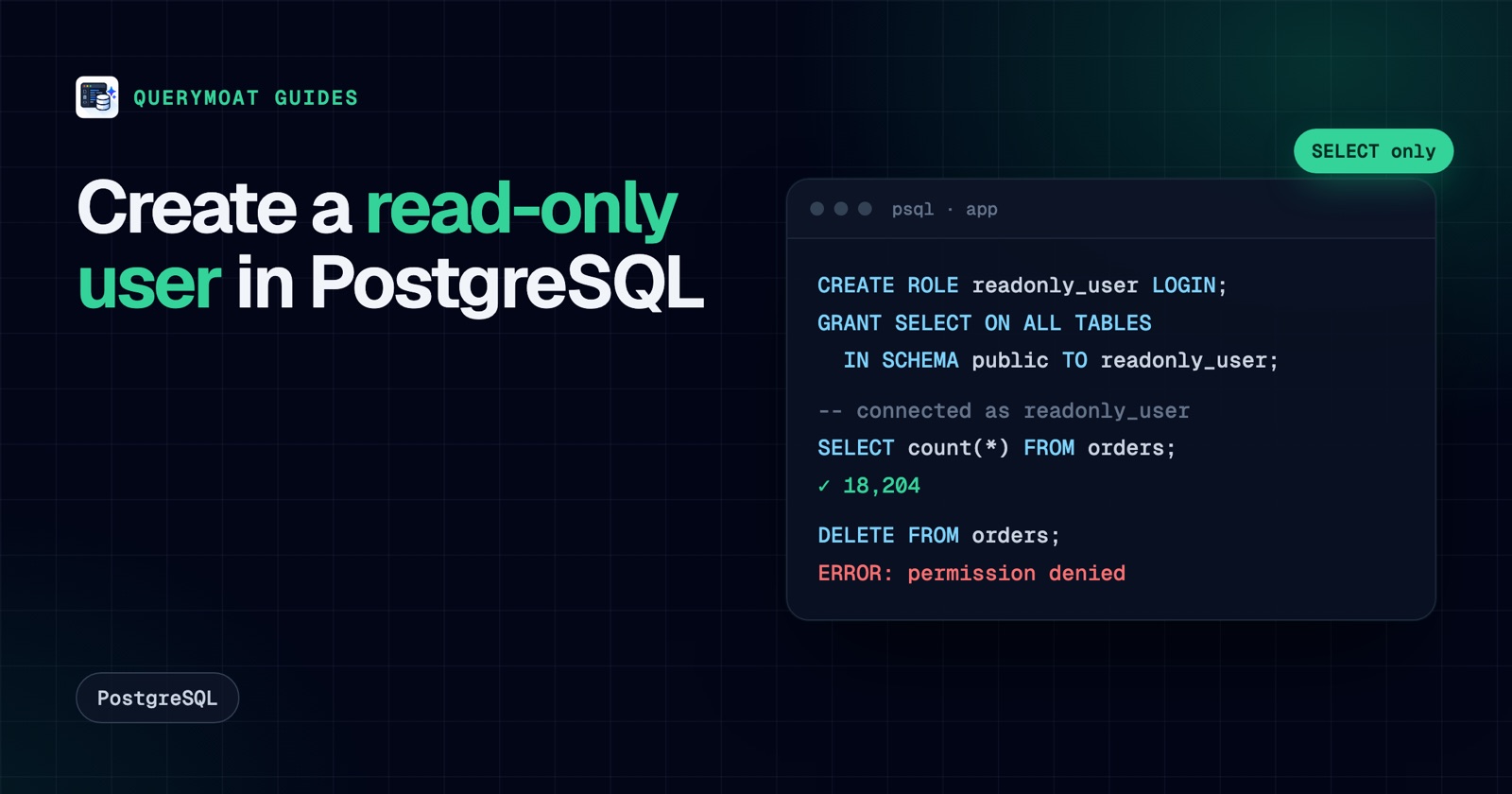 PostgreSQLHow to create a read-only user in PostgreSQLCreate a read-only PostgreSQL user that can read every table, including new ones: default privileges, pg_read_all_data, testing, MySQL and SQL Server.