 QueryMoat
Guides / MCP
PostgreSQL MCP server: connect Cursor, Copilot, Claude and Windsurf to Postgres
An MCP server lets your AI coding agent ask PostgreSQL questions directly: which tables exist, how they relate, what the data looks like. Picking one is mostly a security decision, because the same server that reads your schema could also run DROP TABLE.
What a Postgres MCP server does
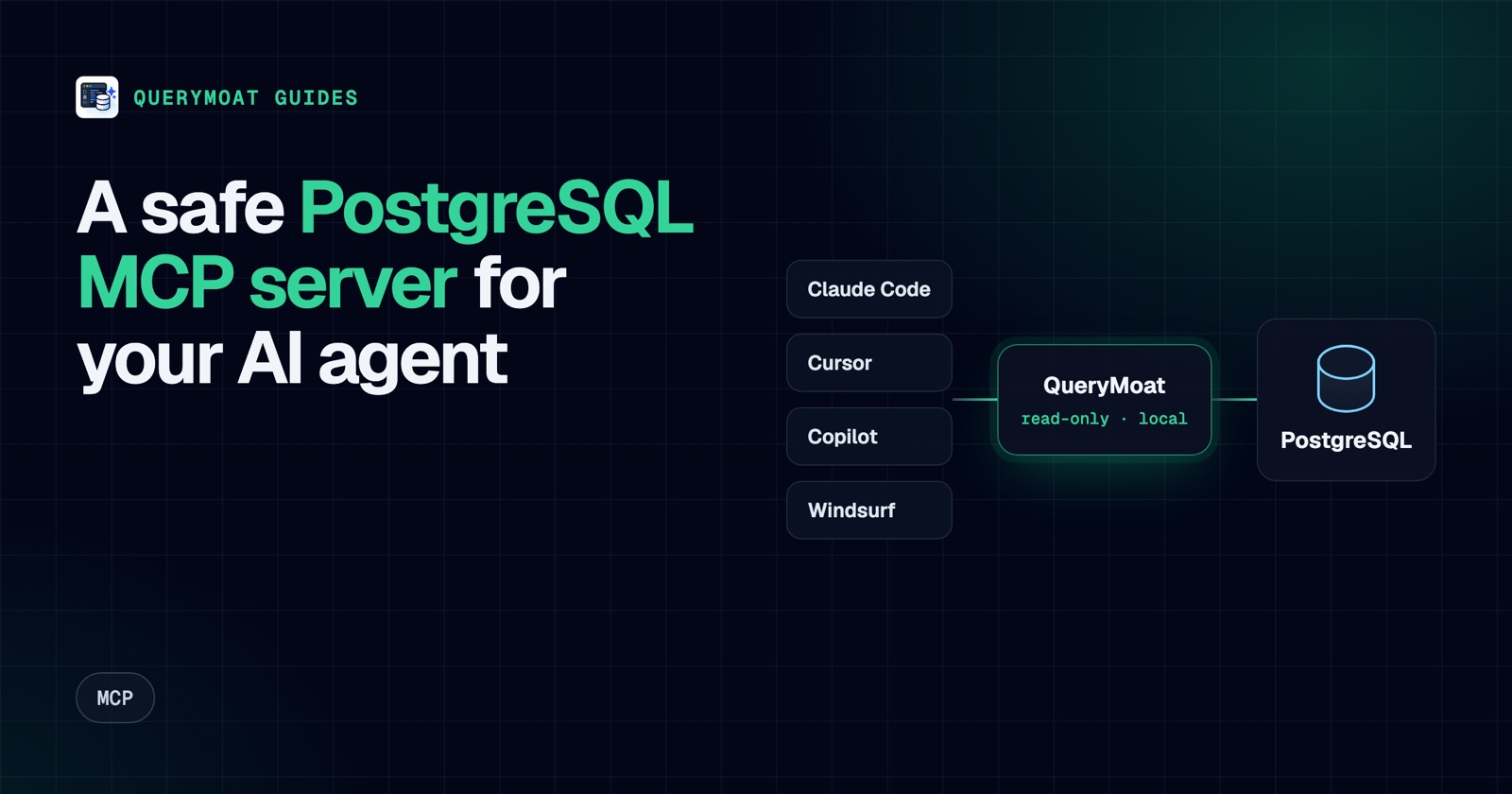
The Model Context Protocol (MCP) is how coding agents such as Claude Code, Cursor, GitHub Copilot in VS Code and Windsurf call external tools. A PostgreSQL MCP server exposes a few database tools to the agent, typically:
- list schemas and tables;
- describe a table: columns, types, keys and indexes;
- read sample rows or search a table;
- run a SQL query.
With those, the agent stops guessing column names from your ORM models and writes queries and migrations against the real schema. It can also debug with data: "why does this order have no invoice?" becomes a query instead of a guess.
What to check before you trust one
The query tool is the risk. A server that runs whatever SQL the agent sends is a shell with your database password. Check these before connecting one to anything that matters:
- Read-only that holds. A check for "starts with SELECT" is not enough. Datadog showed that the archived reference PostgreSQL MCP server, which wrapped queries in a read-only transaction, could be made to run writes by sending
COMMITfollowed by another statement (Datadog Security Labs). A good server parses the SQL the way PostgreSQL does, refuses transaction control, and still uses a read-only transaction as a backstop. - No credentials in the agent's config. Connection strings in
mcp.jsonfiles end up in repositories and in the agent's context. - Production protection. It should treat production and remote databases as read-only, whatever they are called.
- Limits. A row cap and a statement timeout, so one bad query can't return a million rows into the agent's context or lock up the database.
- Sensitive data controls. A way to hide or mask columns such as password hashes, emails and tokens, because everything the agent reads goes to your AI provider.
- Local and authenticated. If it serves HTTP, it should listen only on localhost and require a token, so a web page or another user can't query your database through it.
Set up QueryMoat as your Postgres MCP server
QueryMoat is a free VS Code extension that covers the checklist above and also gives you a PostgreSQL client with a data grid and SQL editor. It supports MySQL, MariaDB, SQLite and SQL Server too.
1. Install and connect
Install QueryMoat from the VS Code Marketplace or Open VSX, open your project and click the QueryMoat icon. It finds PostgreSQL from DATABASE_URL or POSTGRES_URL in .env files, from a Postgres service in docker-compose.yml, and from Prisma, Drizzle, Rails, Django and local Supabase projects. Click Connect.
2. Add it to your agent
The easiest way is the plug icon in the QueryMoat panel: Copy MCP configuration, pick your client, and paste. The snippets look like this, with your home folder in the path.
Claude Code (terminal):
claude mcp add --transport stdio querymoat node ~/.querymoat/mcp-server.jsCursor (.cursor/mcp.json in the project, or ~/.cursor/mcp.json for all projects):
{
  "mcpServers": {
    "querymoat": {
      "command": "node",
      "args": ["/Users/you/.querymoat/mcp-server.js"]
    }
  }
}
GitHub Copilot in VS Code (.vscode/mcp.json):
{
  "servers": {
    "querymoat": {
      "type": "stdio",
      "command": "node",
      "args": ["/Users/you/.querymoat/mcp-server.js"]
    }
  }
}
Windsurf (~/.codeium/windsurf/mcp_config.json): the same mcpServers block as Cursor.
The server file holds no credentials: it forwards tool calls to the QueryMoat extension, which holds the connection, so the editor needs to be open with your project. QueryMoat keeps the file up to date across extension updates.
3. Try it
Ask your agent something that needs the database:
Look at the
ordersandinvoicestables and write a query for orders shipped last month that have no invoice.
It will read both schemas and the foreign key between them, then run the query read-only to check the result.
What the agent can and can't do
| Agent asks to | QueryMoat |
|---|---|
| List tables, read schemas, keys and indexes | Allowed |
Read rows, search, run SELECT or EXPLAIN | Allowed, up to 500 rows and 30 seconds by default |
Read a hidden column such as users.password_hash | Refused, even if aliased |
UPDATE, DELETE, DROP, or a write hidden after a SELECT | Refused; PostgreSQL also runs agent reads in a READ ONLY transaction |
| Change data on a development database | With Pro, the agent proposes it, QueryMoat test-runs it, and you approve |
| Anything on a production connection | Read-only, always |
Harden the PostgreSQL side too
An MCP guard protects the path the agent uses. A read-only database user protects every path. Create one with five commands and use it in the connection QueryMoat uses for agents. Add statement_timeout to the role so slow queries stop at the server.
Other Postgres MCP options
Database platforms publish their own MCP servers: Supabase and Neon both do, with tools for managing projects and branches as well as querying. They are a good fit when you want the agent to manage the platform. QueryMoat is built for the opposite case: giving agents read access to the databases your project already uses, locally, with writes behind your approval.
Frequently asked questions
- Is there an official PostgreSQL MCP server?
- Anthropic published a reference PostgreSQL server early on, but it was deprecated and archived in 2025, and security researchers showed its read-only mode could be bypassed. Use a maintained server instead, such as QueryMoat or your database platform's own server.
- Can a Postgres MCP server change my data?
- Many can, if the database user they connect with is allowed to. Choose a server that is read-only by default with a strict guard, and connect it with a read-only PostgreSQL user so the database refuses writes as well.
- Does my data leave my machine?
- QueryMoat runs locally and binds to 127.0.0.1, with no telemetry. Rows the agent reads do become part of its prompt and go to your AI provider, so hide or mask sensitive columns.
- Does it work with Supabase, Neon or Amazon RDS?
- Yes. QueryMoat connects to any PostgreSQL it can reach, finds local Supabase projects automatically, honours
sslmode=requirein URLs from Neon and others, and keeps non-local hosts read-only unless you unlock them. SSH tunnels and AWS RDS IAM sign-in are in QueryMoat Pro.
Related guides
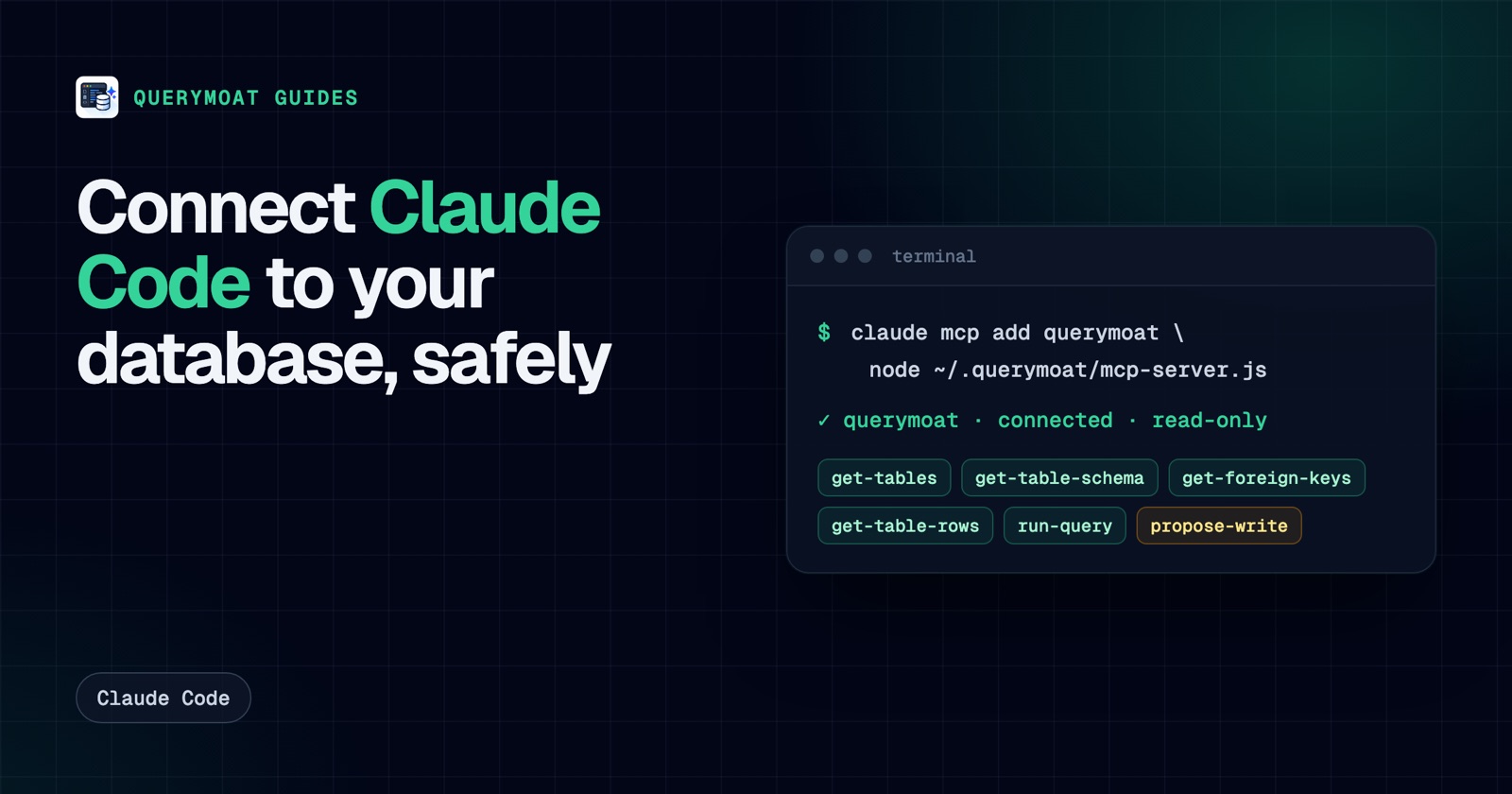 Claude CodeHow to connect Claude Code to your database (safely)Give Claude Code your real schema and data with one command, keep it read-only, and approve any change it proposes. PostgreSQL, MySQL, SQLite, SQL Server.
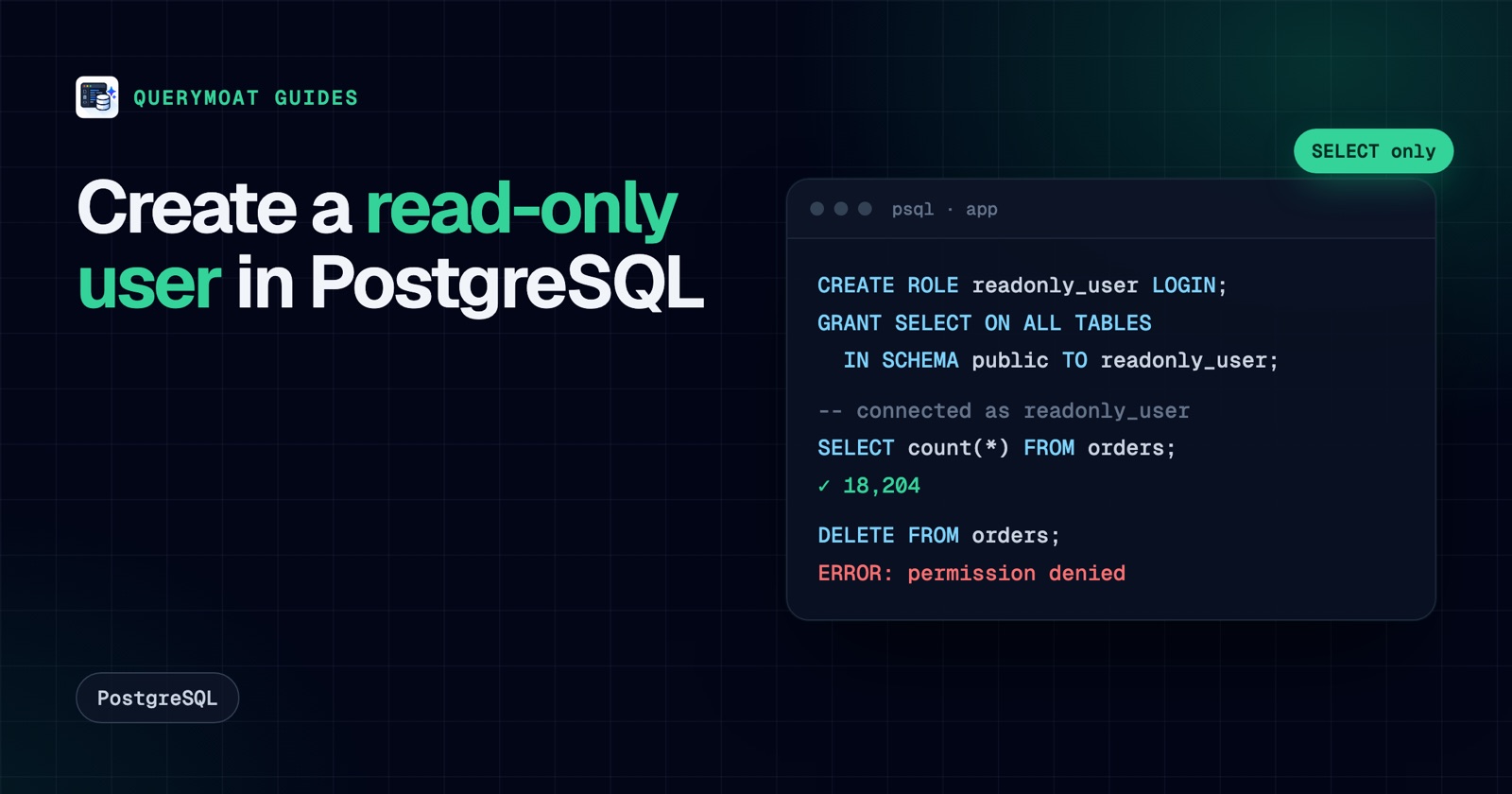 PostgreSQLHow to create a read-only user in PostgreSQLCreate a read-only PostgreSQL user that can read every table, including new ones: default privileges, pg_read_all_data, testing, MySQL and SQL Server.
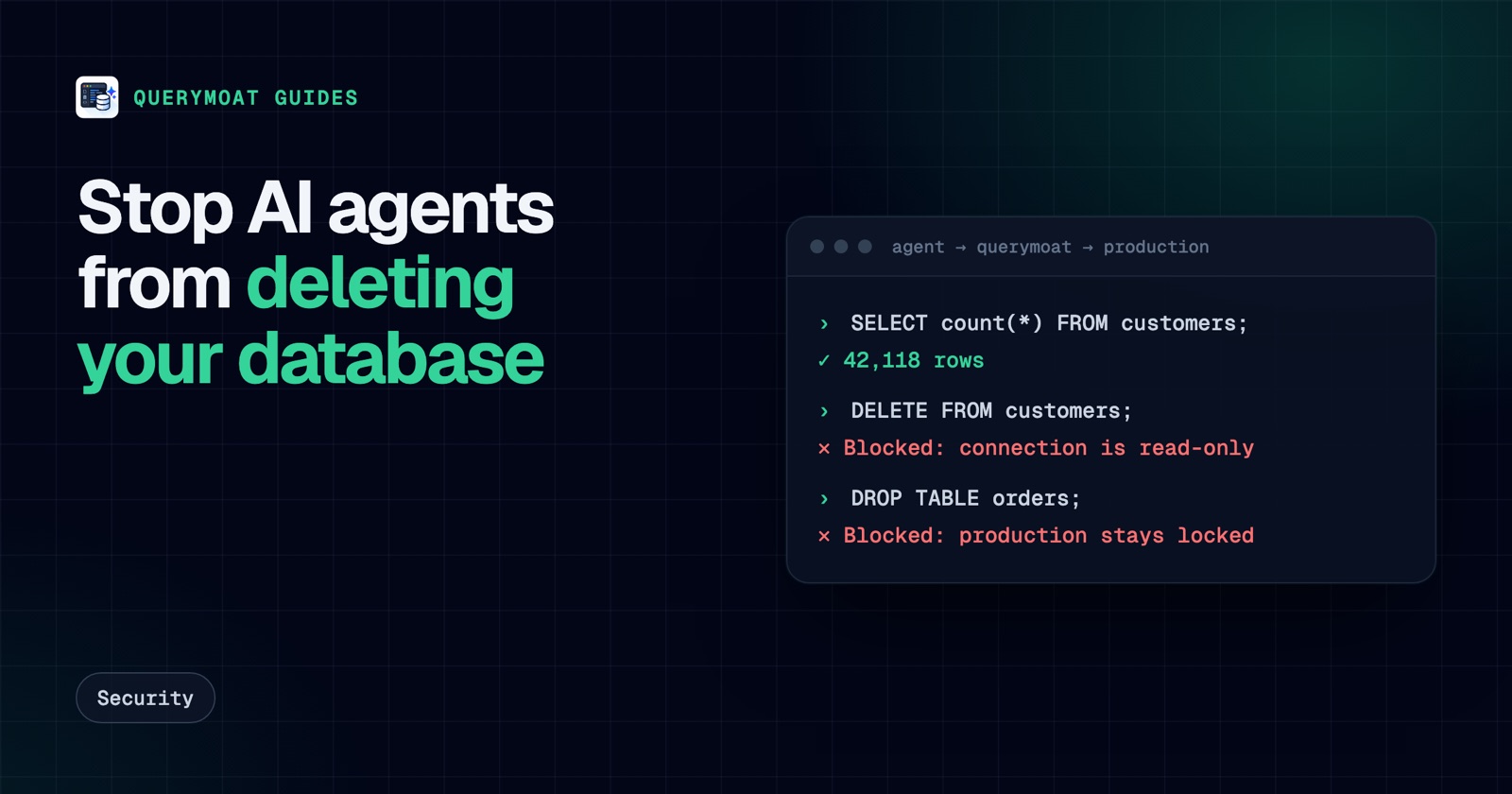 SecurityAn AI agent deleted the database. Here's how to make sure it can't delete yoursReplit's agent and a Claude-powered Cursor agent both deleted production databases. Here's why, and seven layers that stop an AI deleting yours.