 QueryMoat
Guides / PostgreSQL
How to create a read-only user in PostgreSQL
A read-only user is the safest way to give a reporting tool, a teammate or an AI coding agent access to PostgreSQL: the database itself refuses every write. Here is the complete setup, including the step most guides miss.
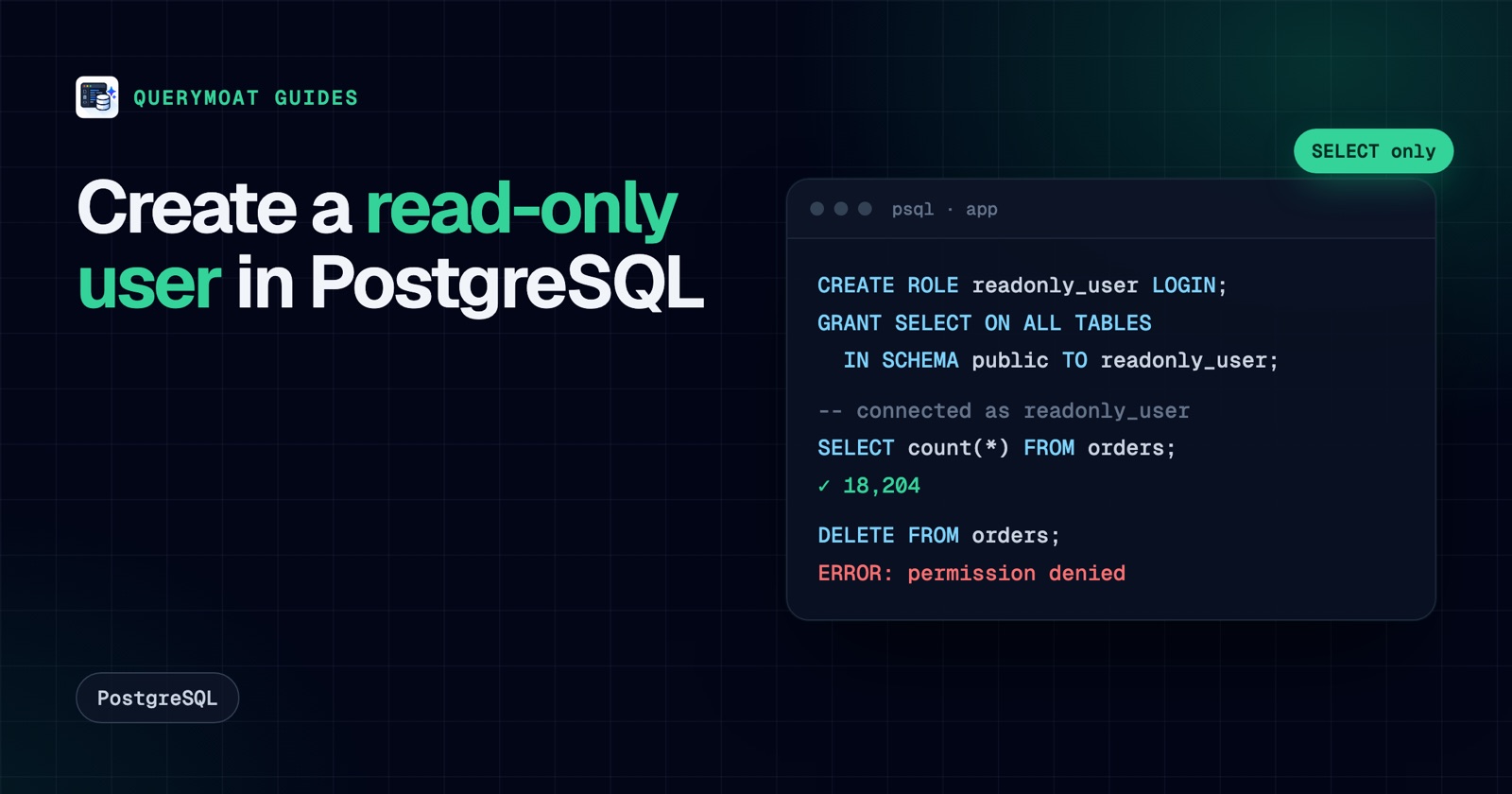
The short version
Run this as a superuser or as the owner of the database. Replace app with your database name and pick a real password.
CREATE ROLE readonly_user WITH LOGIN PASSWORD 'choose-a-strong-password';

GRANT CONNECT ON DATABASE app TO readonly_user;
GRANT USAGE ON SCHEMA public TO readonly_user;
GRANT SELECT ON ALL TABLES IN SCHEMA public TO readonly_user;

-- Tables created later by app_owner (the role that runs your migrations)
ALTER DEFAULT PRIVILEGES FOR ROLE app_owner IN SCHEMA public
  GRANT SELECT ON TABLES TO readonly_user;
That is a working read-only user. The rest of this guide explains each line, the mistake that makes read-only users "lose" new tables, and a few settings that make the user safer to hand to an automated tool.
Step by step
1. Create the login role
CREATE ROLE readonly_user WITH LOGIN PASSWORD 'choose-a-strong-password';In PostgreSQL, users and groups are both roles; LOGIN is what lets this one connect. A new role owns nothing and has no privileges beyond what PUBLIC has, which is exactly where you want to start.
2. Let it connect and see the schema
GRANT CONNECT ON DATABASE app TO readonly_user;
GRANT USAGE ON SCHEMA public TO readonly_user;
CONNECT is usually granted to PUBLIC already, but granting it explicitly keeps working if someone later revokes the public grant. USAGE on a schema lets the role look up objects inside it; without it, every query fails with "permission denied for schema".
3. Grant SELECT on the existing tables
GRANT SELECT ON ALL TABLES IN SCHEMA public TO readonly_user;"All tables" also covers views and foreign tables. If you also want the user to read sequence values, add GRANT SELECT ON ALL SEQUENCES IN SCHEMA public TO readonly_user;.
4. Cover tables created later
This is the step most guides get wrong. GRANT SELECT ON ALL TABLES is a one-off: it covers the tables that exist right now. Next week's migration adds a table, and your read-only user can't see it.
Default privileges fix that, with one catch: they apply to objects created by a specific role. If you run the command as postgres but your migrations run as app_owner, nothing changes. Name the role that creates tables:
ALTER DEFAULT PRIVILEGES FOR ROLE app_owner IN SCHEMA public
  GRANT SELECT ON TABLES TO readonly_user;
Not sure who creates your tables? Check the owner of an existing one with \dt public.* in psql, or SELECT tableowner FROM pg_tables WHERE schemaname = 'public';.
5. Repeat for other schemas
Grants are per schema. If your app uses billing or auth schemas, run steps 2 to 4 for each, replacing public. Leaving a schema out is also how you keep sensitive data out of reach.
PostgreSQL 14 and later: pg_read_all_data
PostgreSQL 14 added a predefined role that does steps 2 to 5 in one go, for every schema, including tables created in the future:
CREATE ROLE readonly_user WITH LOGIN PASSWORD 'choose-a-strong-password';
GRANT pg_read_all_data TO readonly_user;
It is convenient and broad. It reads everything, including schemas you might not want a tool to see, and row-level security still applies. Use it for a trusted reporting user; use per-schema grants when only some data should be visible.
Make it safer for automated tools
When the user is for a script, a BI tool or an AI agent rather than a person, a few role settings help:
-- Start every transaction read-only (an extra layer, not a lock: sessions can SET it back)
ALTER ROLE readonly_user SET default_transaction_read_only = on;

-- Stop runaway queries and limit parallel connections
ALTER ROLE readonly_user SET statement_timeout = '30s';
ALTER ROLE readonly_user CONNECTION LIMIT 5;
To hide sensitive columns rather than whole tables, grant only the columns you want readable:
REVOKE SELECT ON users FROM readonly_user;
GRANT SELECT (id, created_at, plan) ON users TO readonly_user;
On PostgreSQL 14 and earlier, also stop every role from creating objects in public, which was allowed by default until version 15:
REVOKE CREATE ON SCHEMA public FROM PUBLIC;Test it
As a superuser, switch to the role and try a read and a write:
SET ROLE readonly_user;
SELECT count(*) FROM orders;      -- works
DELETE FROM orders WHERE id = 1;  -- ERROR:  permission denied for table orders
RESET ROLE;
Better still, connect as the user the way your tool will, for example psql "postgresql://readonly_user@localhost/app", and run the same two statements.
Remove the user later
REASSIGN OWNED BY readonly_user TO postgres;
DROP OWNED BY readonly_user;
DROP ROLE readonly_user;
DROP OWNED also revokes the role's privileges. Run the first two lines in every database the role was granted access to, then drop the role.
The same idea in MySQL and SQL Server
MySQL and MariaDB:
CREATE USER 'readonly_user'@'%' IDENTIFIED BY 'choose-a-strong-password';
GRANT SELECT, SHOW VIEW ON app.* TO 'readonly_user'@'%';
MySQL privileges on app.* cover tables created later, so there is no default-privileges step. Replace '%' with a specific host where you can.
SQL Server:
CREATE LOGIN readonly_user WITH PASSWORD = 'Choose-a-Strong-Password1';
USE app;
CREATE USER readonly_user FOR LOGIN readonly_user;
ALTER ROLE db_datareader ADD MEMBER readonly_user;
ALTER ROLE db_denydatawriter ADD MEMBER readonly_user;
db_datareader grants SELECT on every table and view in the database; db_denydatawriter makes sure no other grant lets the user write.
Read-only users and AI agents
If the user is for Claude Code, Cursor or another AI agent, a read-only role is the most important protection you can add: whatever the agent tries, the database says no (see what happens when it doesn't). Pair it with a guard on the agent's side, so it gets clear feedback and limits instead of raw permission errors. QueryMoat does that: it is read-only by default, caps rows and query time, can hide columns from the agent, and on PostgreSQL runs every agent read inside a read-only transaction, on top of whatever user you connect with.
Frequently asked questions
- Does default_transaction_read_only make a PostgreSQL user read-only?
- No. It only changes the default for new transactions, and the session can switch it back with
SET. Use it as an extra layer; the real protection is granting the user nothing butSELECT. - Why can't my read-only user see tables created after I set it up?
GRANT SELECT ON ALL TABLESonly covers tables that exist when you run it. AddALTER DEFAULT PRIVILEGES FOR ROLE <owner> IN SCHEMA public GRANT SELECT ON TABLES TO readonly_user, run for the role that creates your tables, so future tables are covered too.- How do I give read-only access to every schema at once?
- On PostgreSQL 14 and later,
GRANT pg_read_all_data TO readonly_usergrants read access to all tables, views and sequences in every schema, including ones created later. It is broad, so use per-schema grants when some schemas should stay private. - How do I make a user read-only for just one table?
- Grant
CONNECTon the database andUSAGEon the schema, thenGRANT SELECT ON orders TO readonly_userfor that table only. You can narrow it further to specific columns withGRANT SELECT (id, status) ON orders TO readonly_user.
Related guides
 SecurityAn AI agent deleted the database. Here's how to make sure it can't delete yoursReplit's agent and a Claude-powered Cursor agent both deleted production databases. Here's why, and seven layers that stop an AI deleting yours.
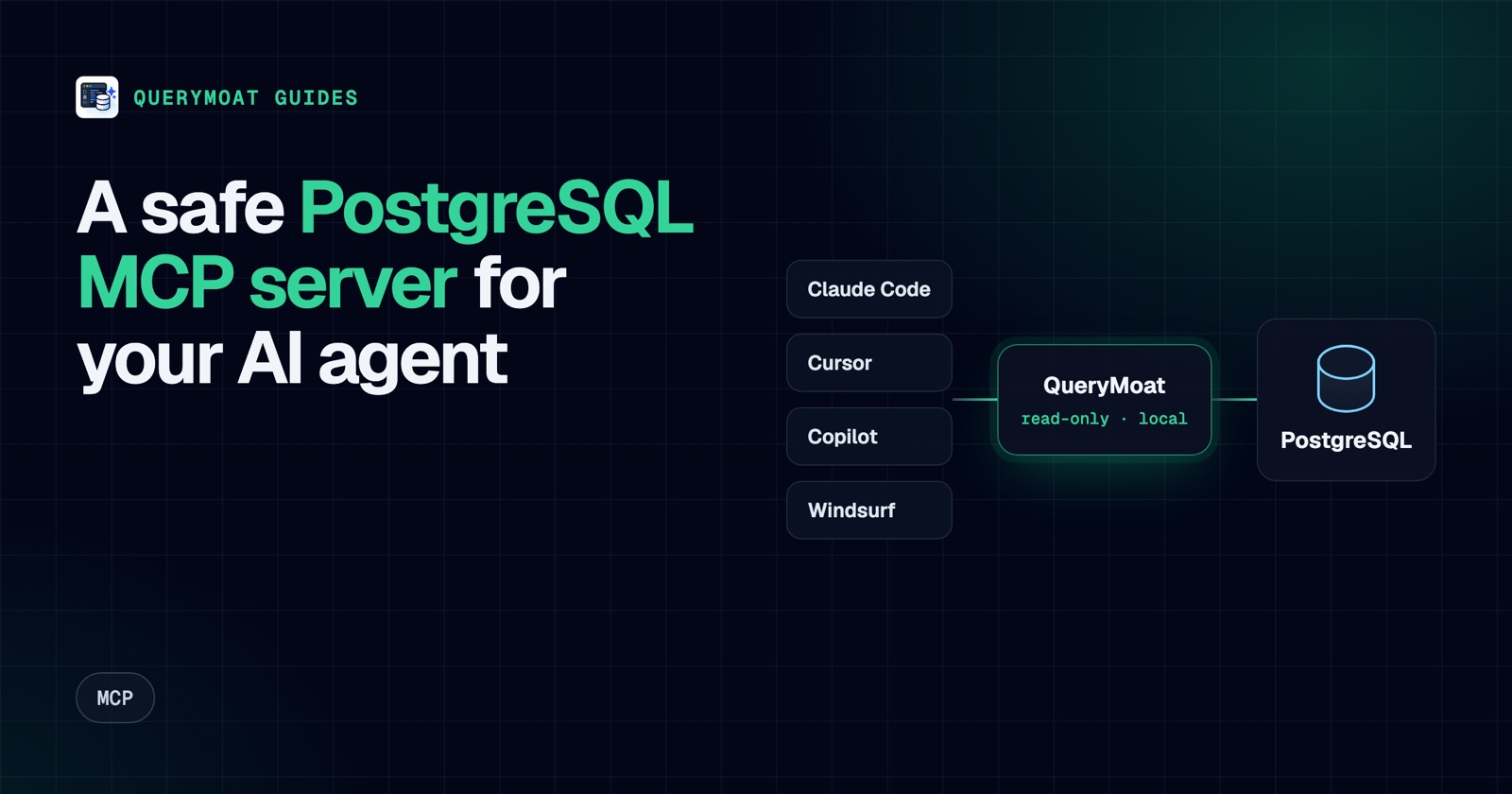 MCPPostgreSQL MCP server: connect Cursor, Copilot, Claude and Windsurf to PostgresWhat a PostgreSQL MCP server does, what to check before you trust one, and copy-paste setup for Cursor, Copilot, Claude Code and Windsurf.
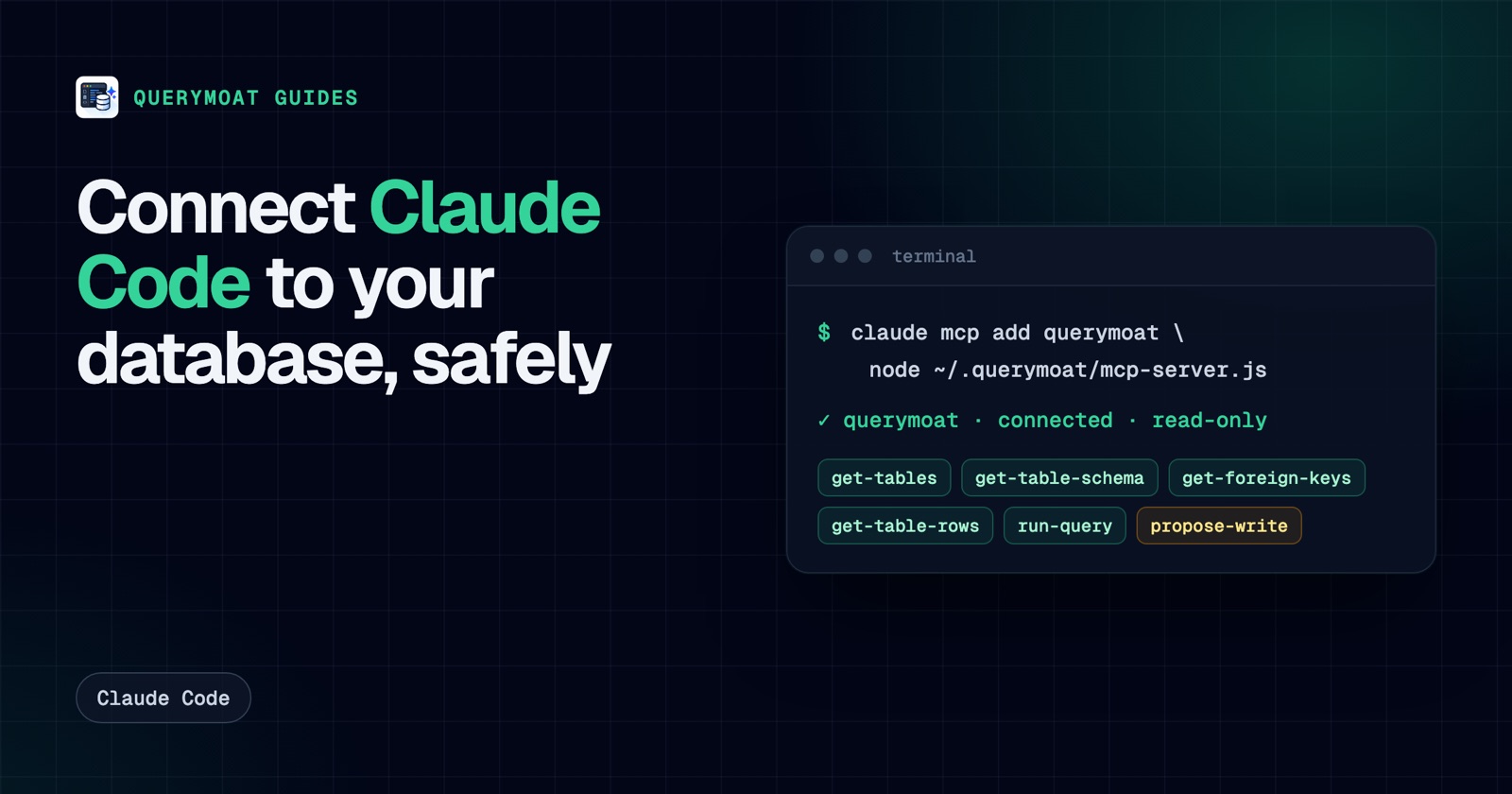 Claude CodeHow to connect Claude Code to your database (safely)Give Claude Code your real schema and data with one command, keep it read-only, and approve any change it proposes. PostgreSQL, MySQL, SQLite, SQL Server.