 QueryMoat
Guides / SQLite
How to view a SQLite database in VS Code
You have an app.db, db.sqlite3 or database.sqlite file in your project and want to see what's inside without leaving the editor. Here are three ways to do it, from a full visual client to one terminal command.
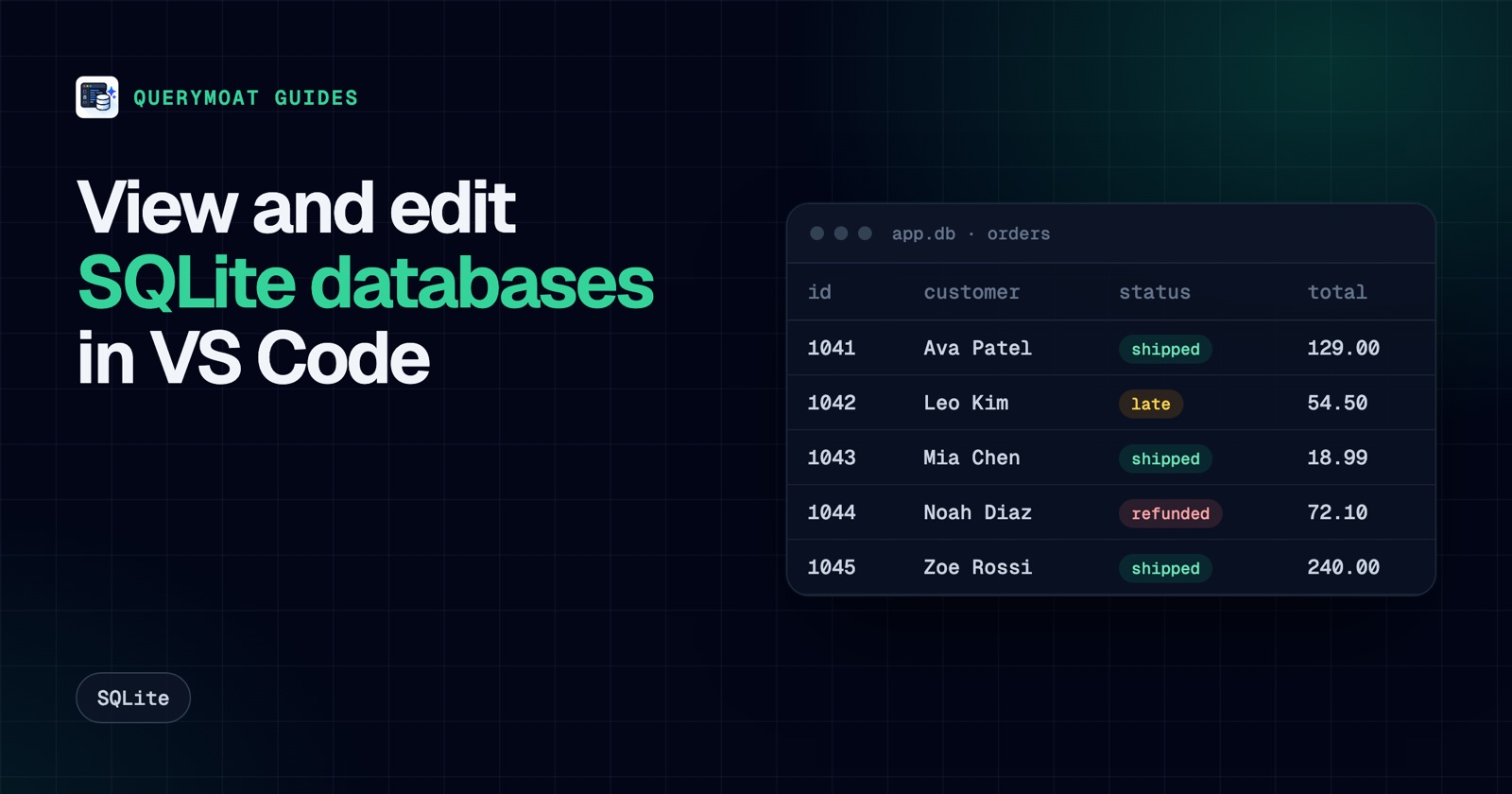
Option 1: a visual SQLite client inside VS Code
QueryMoat is a free extension that opens SQLite files (and PostgreSQL, MySQL, MariaDB and SQL Server databases) in a data grid with a SQL editor. It reads SQLite through a WebAssembly build of SQLite, so it needs no native binaries and works the same on macOS, Windows, Linux, WSL and Dev Containers.
Open your database
- Install QueryMoat from the VS Code Marketplace, or from Open VSX for Cursor, Windsurf and VSCodium.
- Open the folder that contains your database.
- Click the QueryMoat icon in the Activity Bar. Files ending in
.sqlite,.sqlite3or.dbin the project root and indatabase/,data/,db/,storage/andprisma/appear under Detected Databases. Django'sdb.sqlite3and Laravel'sdatabase/database.sqliteare found automatically. - Click Connect, then double-click a table.
If your file lives somewhere else, list it in a .querymoatrc file in the project root:
[
  {
    "name": "Local data",
    "type": "sqlite",
    "path": "./var/app.db",
    "environment": "local"
  }
]
What you can do
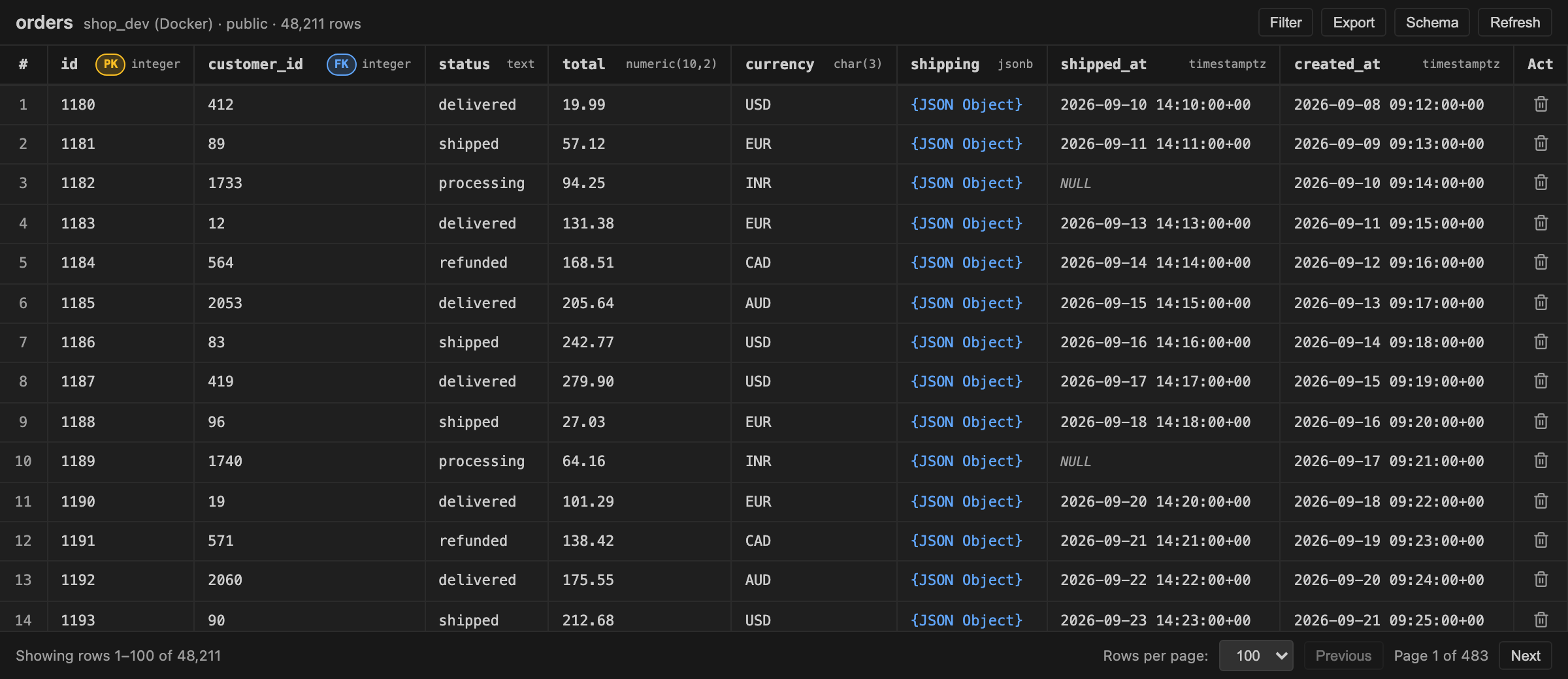
- Browse: page through rows, filter and sort, and see each column's type and key.
- Edit: double-click a cell, then press Cmd+S (Ctrl+S on Windows and Linux) to save. Right-click to set a value to NULL; delete rows by primary key.
- Query: run QueryMoat: Open Query Editor from the Command Palette, write SQL and press Cmd+Enter. Explain shows the
EXPLAIN QUERY PLANoutput. - Export: save rows as CSV, TSV, JSON or SQL
INSERTstatements. - Stay current: when another program changes the file, QueryMoat reloads it before your next read or write, so you don't overwrite its changes.
Option 2: the sqlite3 command line
For a quick look, the sqlite3 shell in VS Code's integrated terminal is enough. macOS includes it; on Linux install the sqlite3 package; on Windows download the command-line tools from sqlite.org.
sqlite3 db.sqlite3
.tables
.schema orders
.mode box
SELECT id, status, total FROM orders ORDER BY id DESC LIMIT 10;
.quit
.mode box draws results as a table. Open the file with sqlite3 -readonly db.sqlite3 when you only want to look, so a typo can't change anything.
Option 3: let your AI agent read it
If you use Claude Code, Cursor, Copilot or Windsurf, the agent can read the same database through QueryMoat's MCP server: list tables, read schemas and run read-only queries while it writes code against them. Writes are refused unless you approve them. Setup takes one command; see how to connect Claude Code to your database.
Common problems
"My latest rows are missing"
Many frameworks put SQLite in WAL (write-ahead log) mode. New writes go to a -wal file next to the database and are moved into the main file at a checkpoint. A tool that reads only the main file won't see them yet. Run PRAGMA wal_checkpoint; from your app or the sqlite3 shell, or stop the app, then refresh. Before editing a file in WAL mode with any external tool, stop the app or checkpoint first.
"File is not a database"
The file is either not SQLite (some apps use .db for other formats) or it is encrypted, for example with SQLCipher. Encrypted files need the key and a SQLCipher-aware tool.
Very large files
QueryMoat loads a SQLite file into memory to work with it, which is fast for typical app databases. Databases of several gigabytes take a while to open; for those, the sqlite3 shell is quicker for one-off queries.
Frequently asked questions
- Can VS Code open SQLite files on its own?
- No. Opening a
.dbfile in VS Code shows binary content. You need an extension such as QueryMoat, or thesqlite3command line in the integrated terminal. - Is there a free SQLite viewer for VS Code?
- Yes. QueryMoat is free and includes a data grid with editing, a SQL editor, query plans and export. It also works in Cursor, Windsurf and VSCodium through Open VSX.
- Why don't I see the latest rows my app wrote?
- Your app probably uses WAL mode, so recent writes are still in the
-walfile next to the database. Tools that read the main file see them after a checkpoint: runPRAGMA wal_checkpoint;or close the app. - Can I edit a SQLite database in VS Code?
- Yes. In QueryMoat, double-click a cell to edit it, press Cmd+S or Ctrl+S to save, right-click to set NULL, or run UPDATE statements in the SQL editor.
Related guides
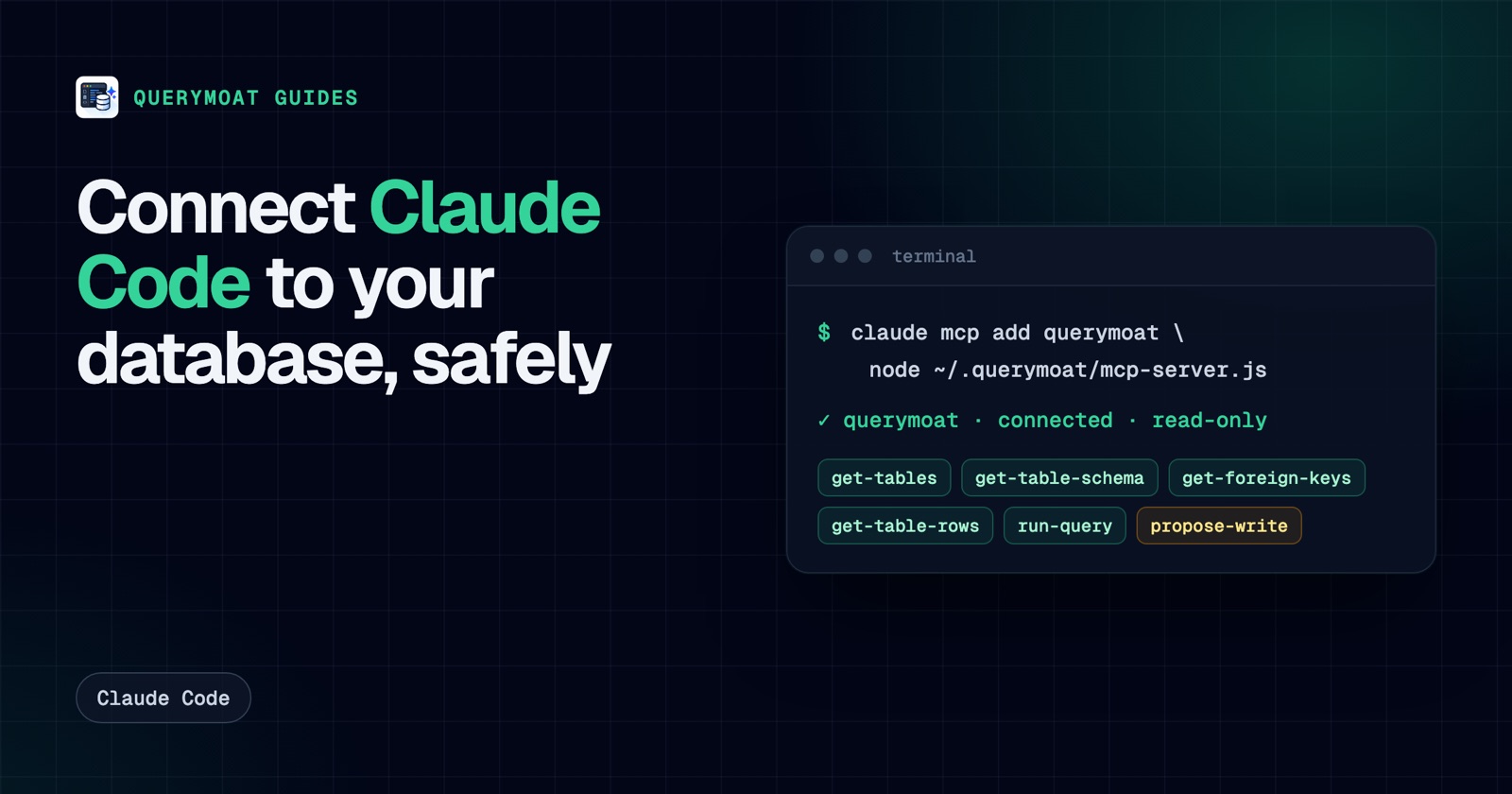 Claude CodeHow to connect Claude Code to your database (safely)Give Claude Code your real schema and data with one command, keep it read-only, and approve any change it proposes. PostgreSQL, MySQL, SQLite, SQL Server.
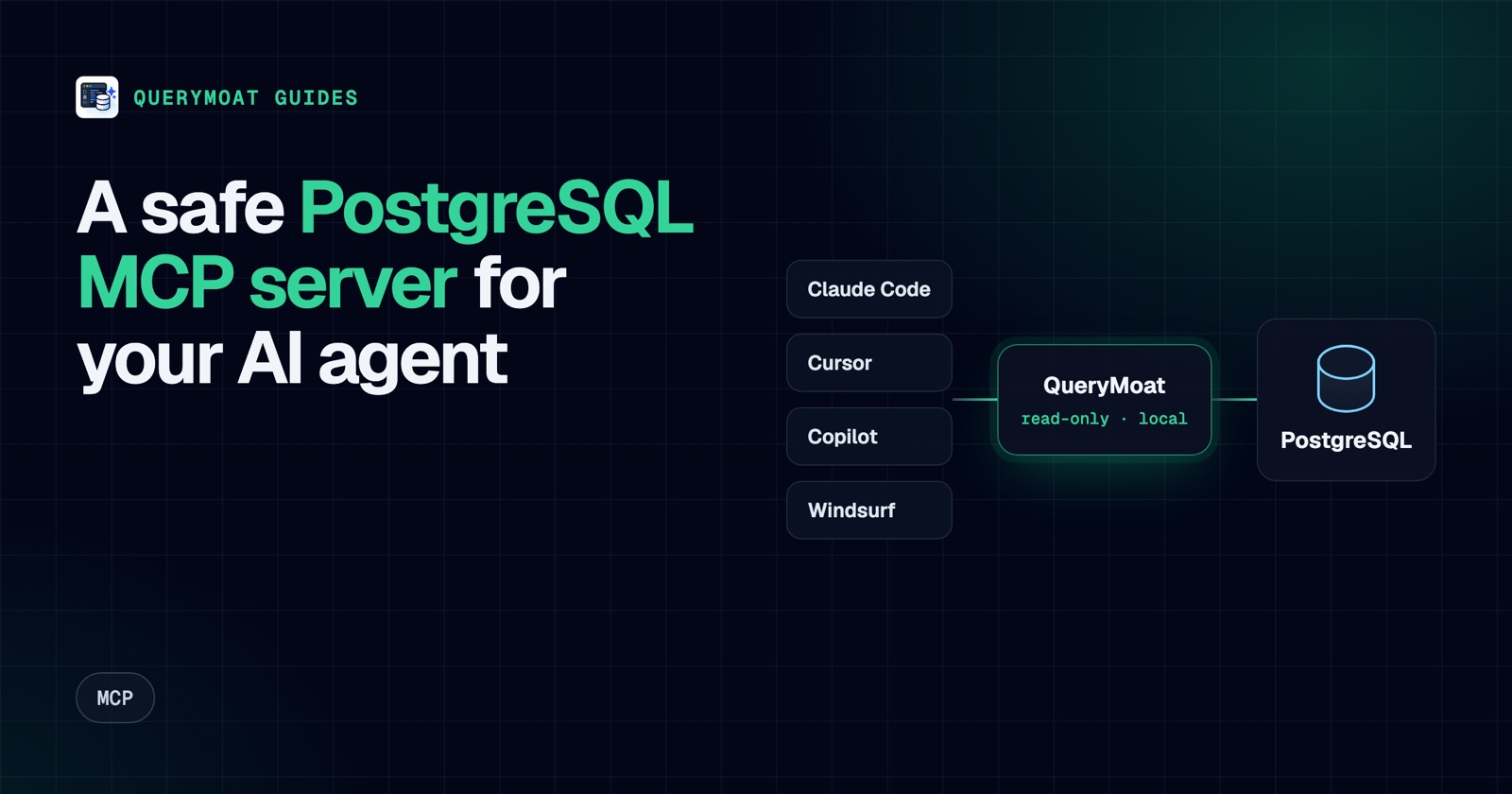 MCPPostgreSQL MCP server: connect Cursor, Copilot, Claude and Windsurf to PostgresWhat a PostgreSQL MCP server does, what to check before you trust one, and copy-paste setup for Cursor, Copilot, Claude Code and Windsurf.
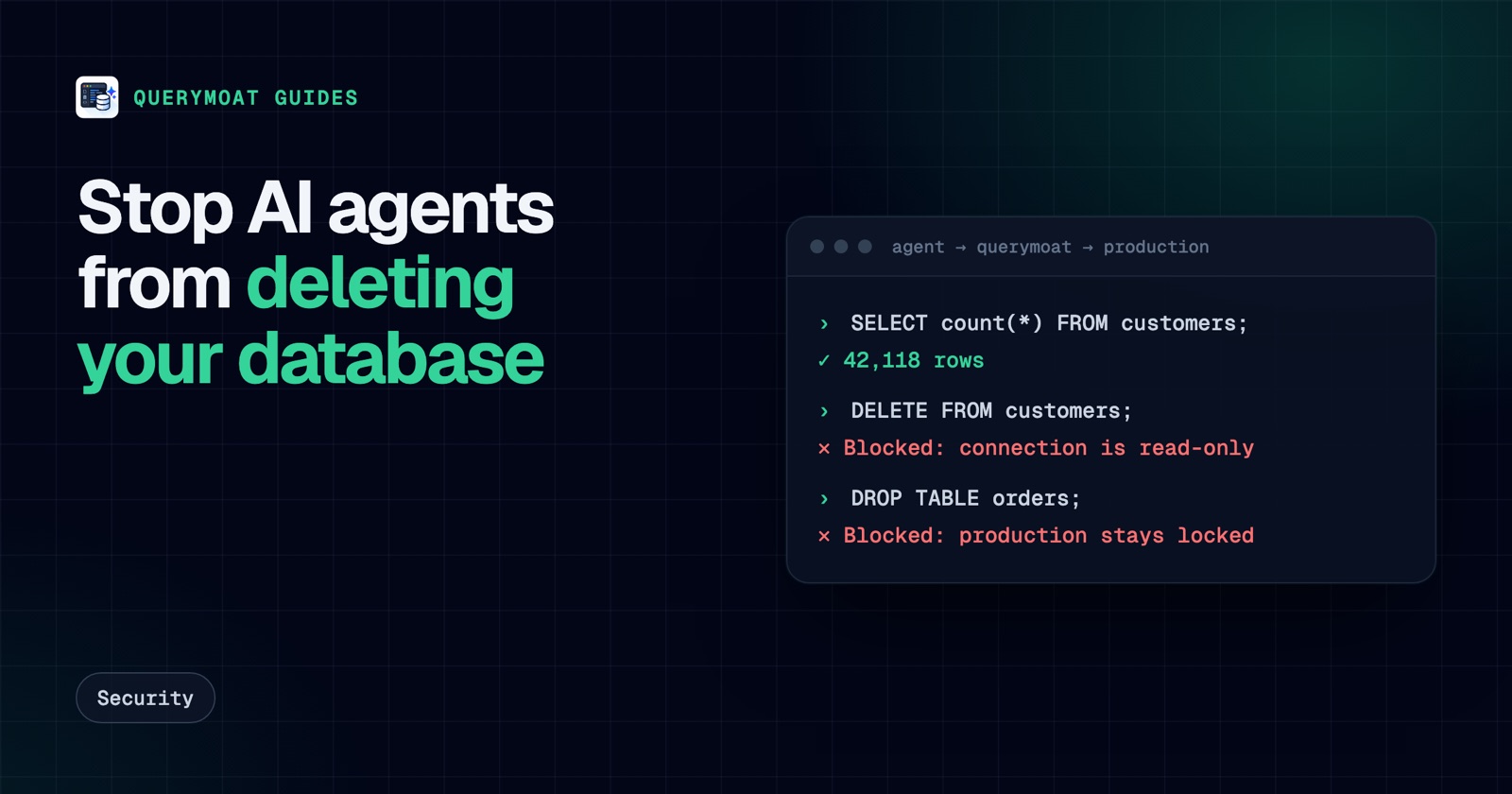 SecurityAn AI agent deleted the database. Here's how to make sure it can't delete yoursReplit's agent and a Claude-powered Cursor agent both deleted production databases. Here's why, and seven layers that stop an AI deleting yours.